If you encounter an error during registration, try the steps below to resolve it.
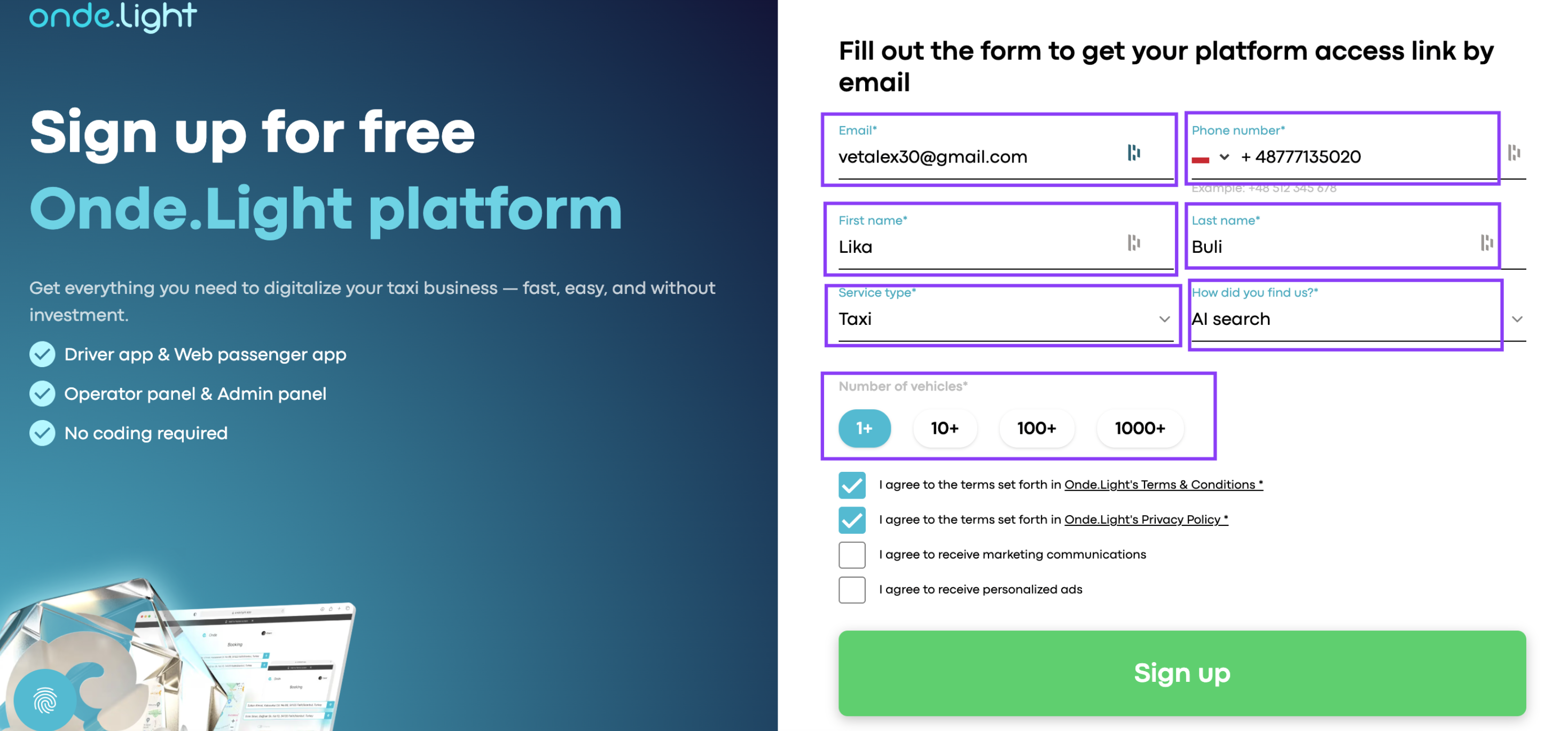
Double-check that every mandatory field in the registration form is completed correctly. Missing or incorrect information may prevent the form from submitting.
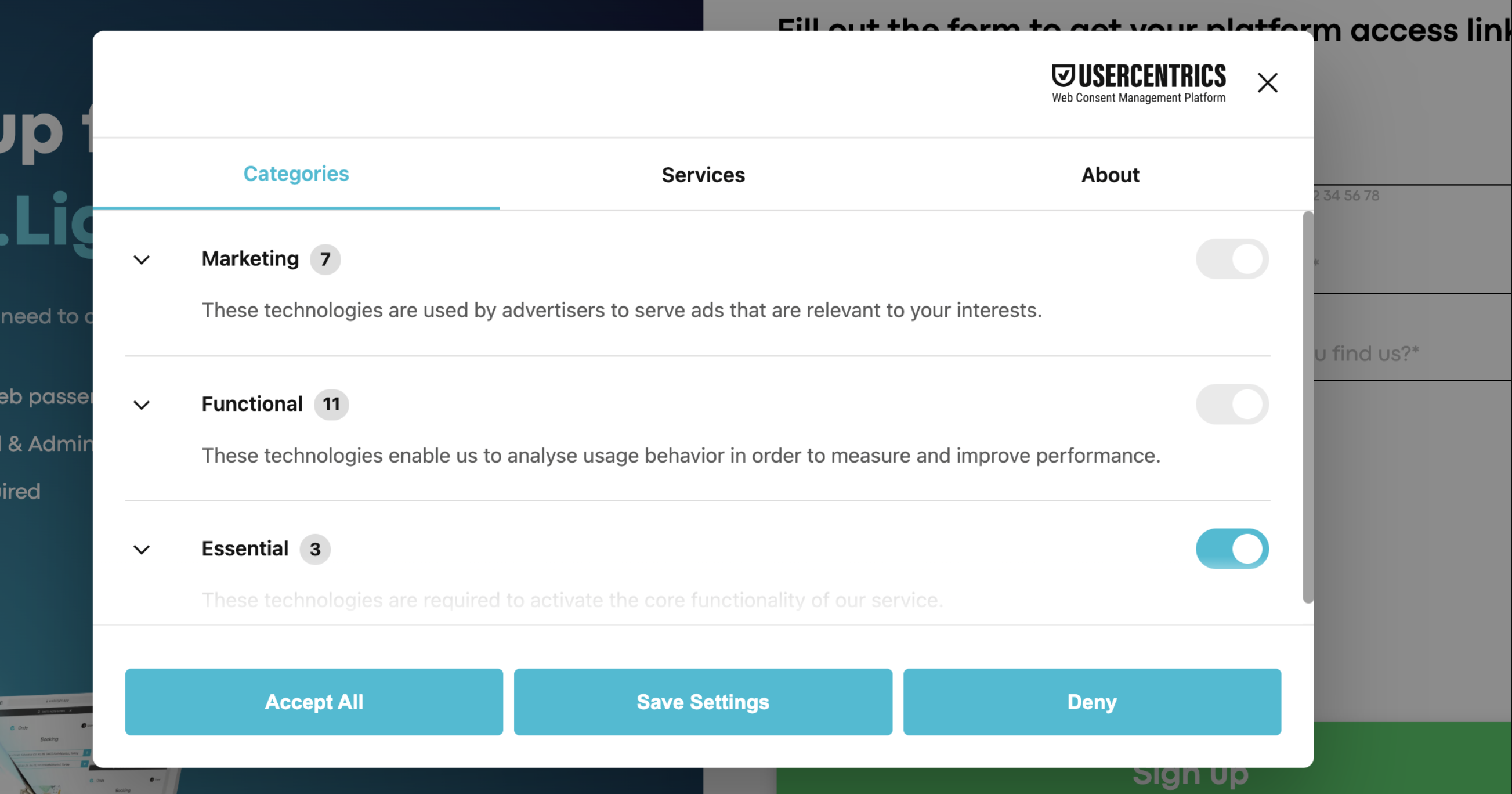
Some functionality — including registration — requires cookies to be enabled. Make sure you've accepted all cookies on the website.
Registration requires you to accept both the Terms & Conditions and the Privacy Policy before submitting the form.
Registration is only possible with an email address that hasn't been used before. If you previously created an account on Onde.Light or Onde, you'll need to register with a new email address.
🤓 Tip: You can create a variation of your existing email using the "+" trick. For example, [email protected] becomes [email protected] — both will still deliver to your original inbox.
Refresh your browser cache
A stored cache may cause errors. Try clearing your browser cache and reloading the page before attempting registration again.
Try Incognito Mode
If you've checked everything above but the CAPTCHA still blocks you, try opening the registration page in Incognito/Private Mode and completing the form again. This helps avoid issues caused by cached data or browser extensions.
If you've followed all the steps above but still can't complete your registration, we'll sort it out together. Go to our Community and leave a request for the support team with:
A short description of the issue
A screenshot or video, if possible
The email address you used during sign-up
Our team will assist you and make sure you can access your account.
Once registration is complete, you'll see a confirmation pop-up on your screen. At the same time, you should receive an activation email in your inbox.
Open that email and click the activation link — it will take you directly to your Onde.Light account, where you can start exploring the platform. If you don't see the email within a minute, check your Spam or Promotions folder.
