The system offers two types of ride requests:
Instant bookings – for immediate ride requests.
Preorders – for rides scheduled in advance.
Instant bookings
Instant bookings are created when a customer needs a ride right away. These requests:
Are assigned to drivers via the Intelligent Queue Algorithm.
Are shown only to drivers within their working radius and the company's operational area.
Trigger a short sound alert and a 10-second escalating ringtone.
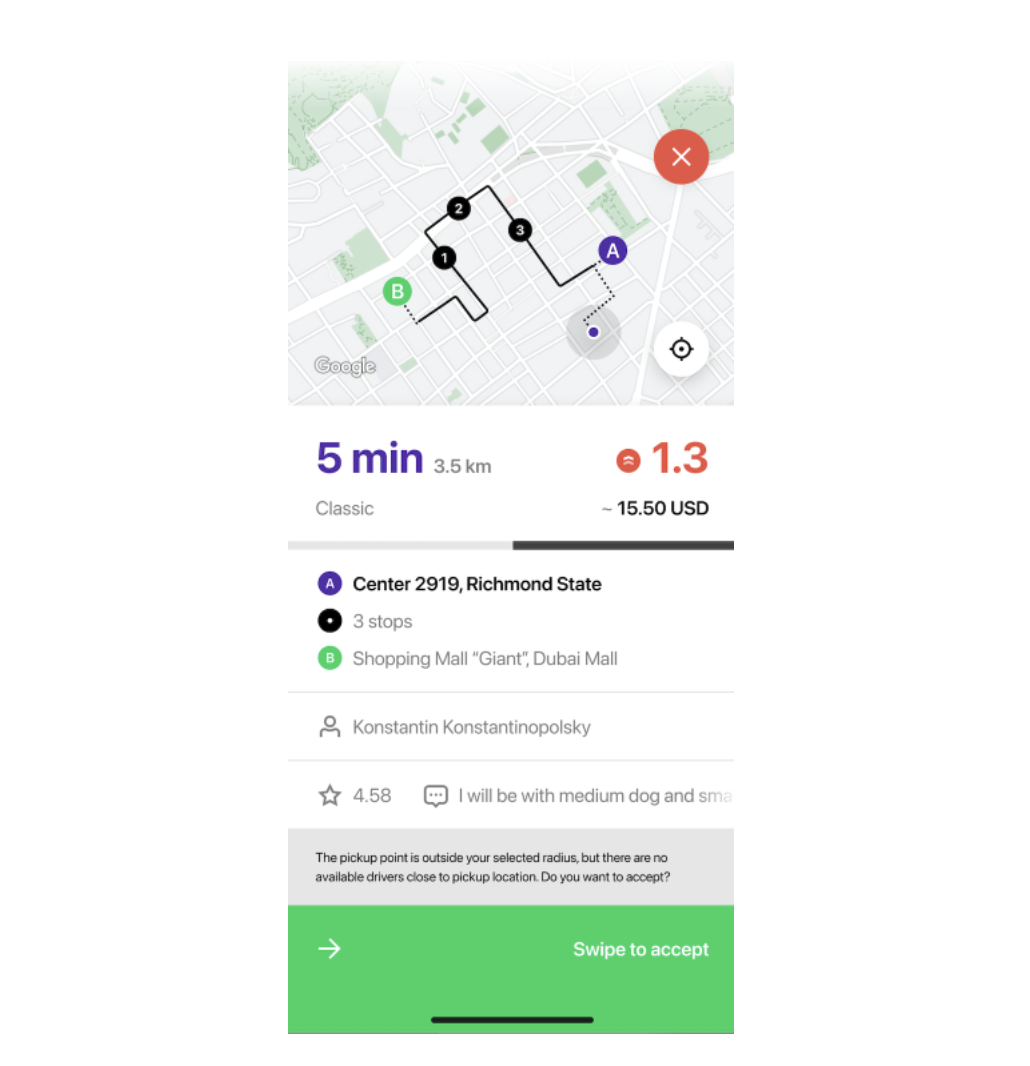
Appear with a green screen in the app.
Preorders
Preorders are scheduled rides that customers book in advance. These bookings:
Are sent to 500 drivers within the operational area, regardless of their location.
Can be received even if a driver is off shift (unless the "Receive preorders while off shift" setting is disabled).
Trigger a short sound alert and a 10-second escalating ringtone.
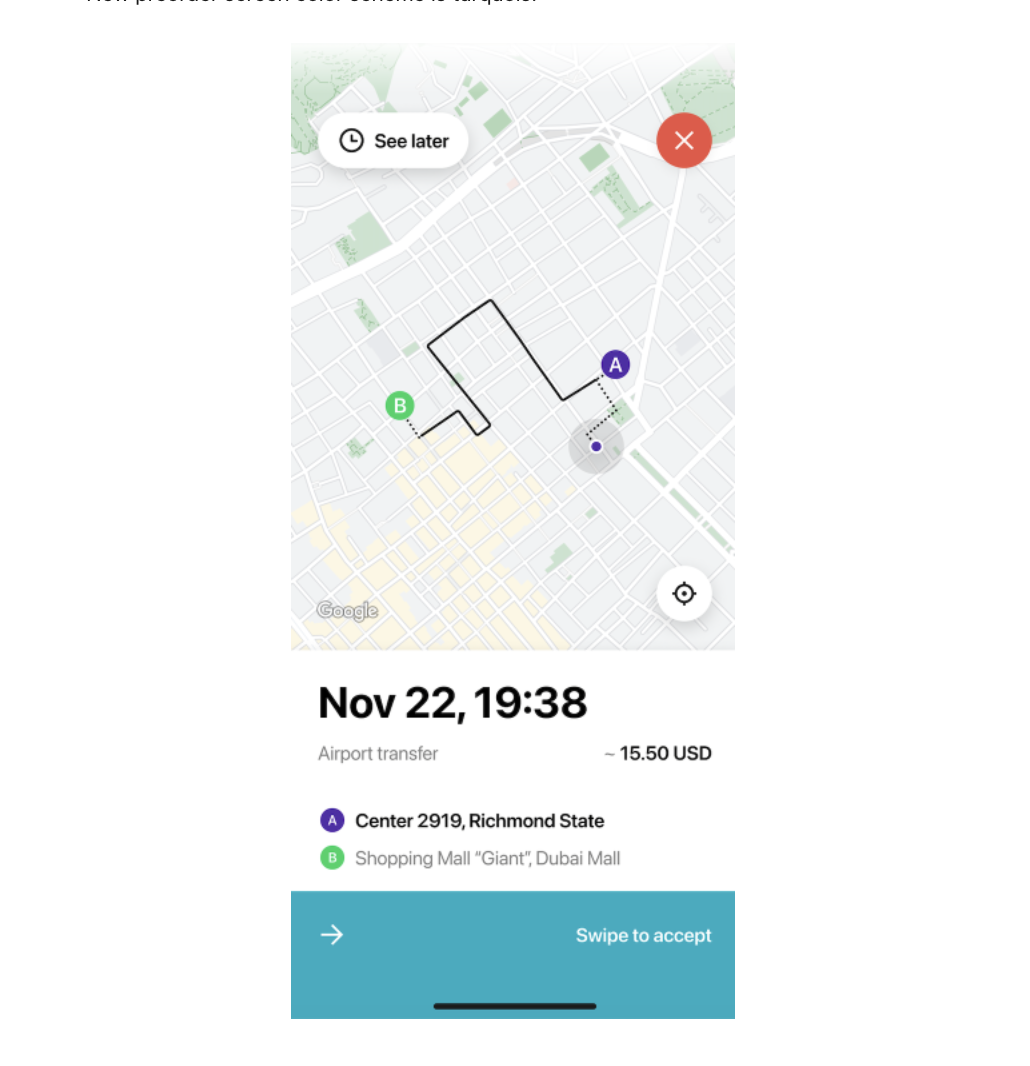
Appear with a turquoise screen in the app.
Can be accepted immediately or later via the "Preorders" tab.
Stay in the notification panel until manually removed, even if another driver accepts them.