My hub is the admin panel where you set up, manage, and monitor your company on Onde.Light. This guide shows how to access it for the first time, after you’ve registered on the Onde.Light website.
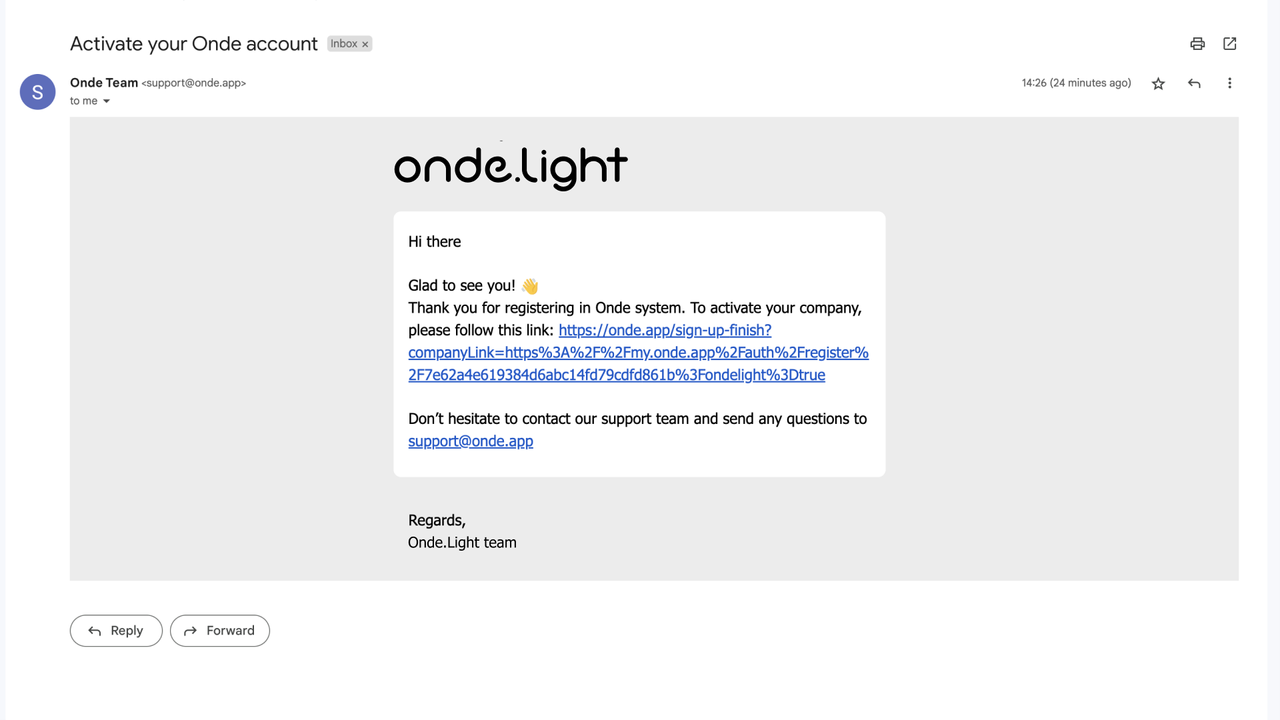
After you register, you’ll automatically receive an email with a link to My hub. Click the link and follow the steps to finish setting up your account.
❗ Important: If you don’t see the email right away, check your Promotions or Spam folder.
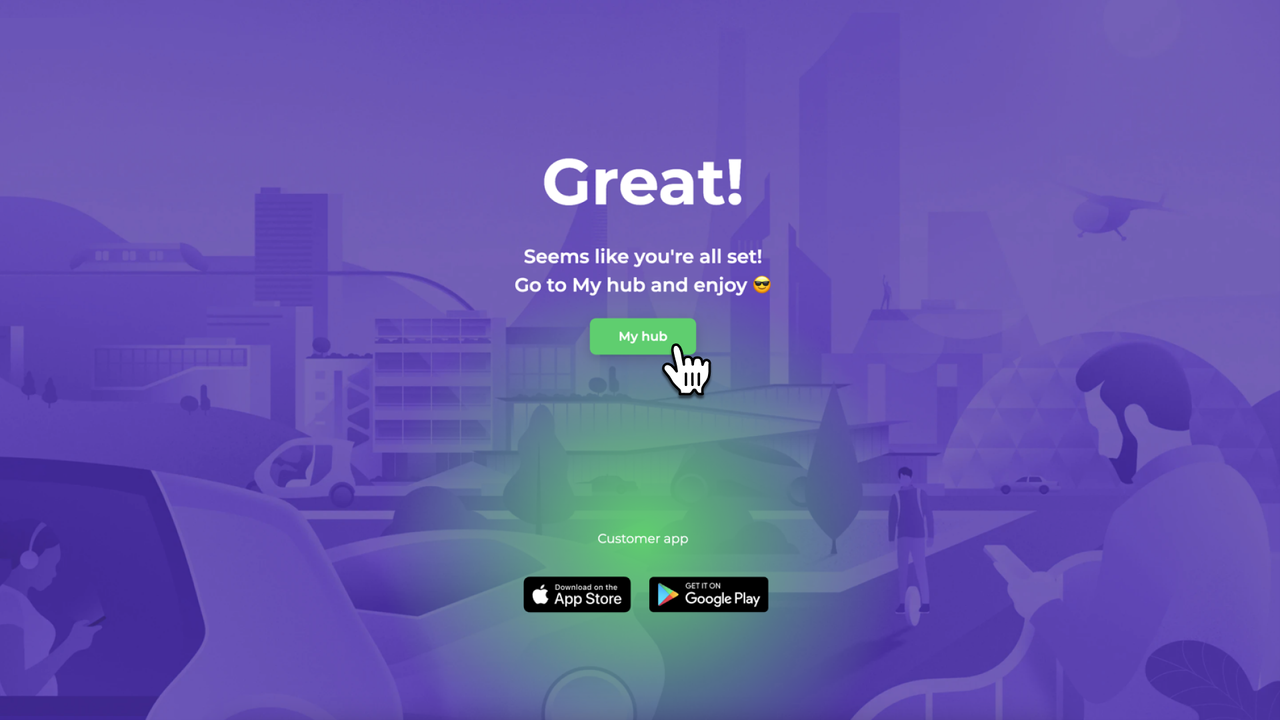
Click the My hub button to activate your company in the My hub system.
Fill in your company details, such as address and contact information.
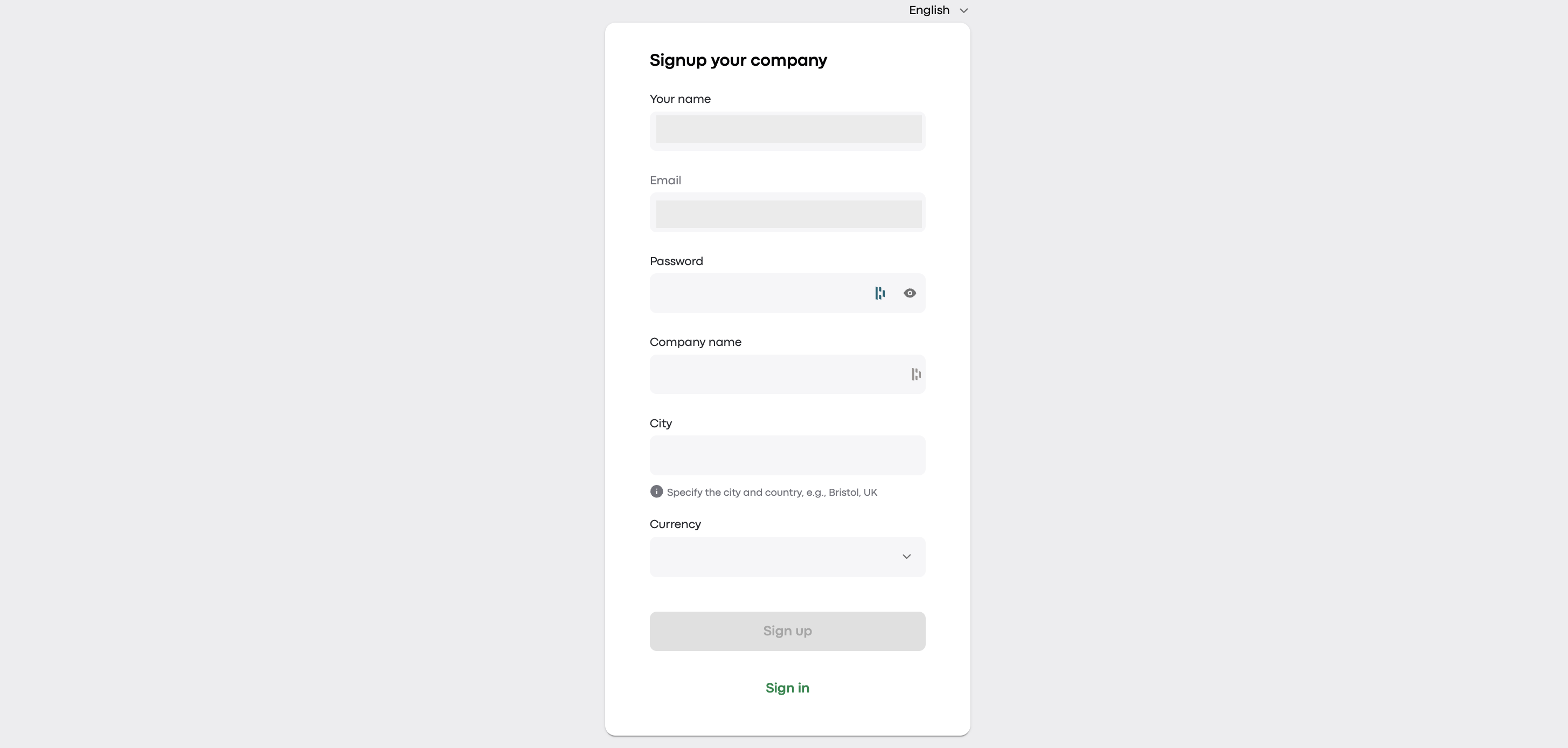
Click Sign up. You’ll be redirected to My hub.
👆 Note: Your company name can’t contain restricted terms such as “Onde” or “Onde.Light.”
Your newly created company appears on the page after you sign up. Click it to open the main dashboard.
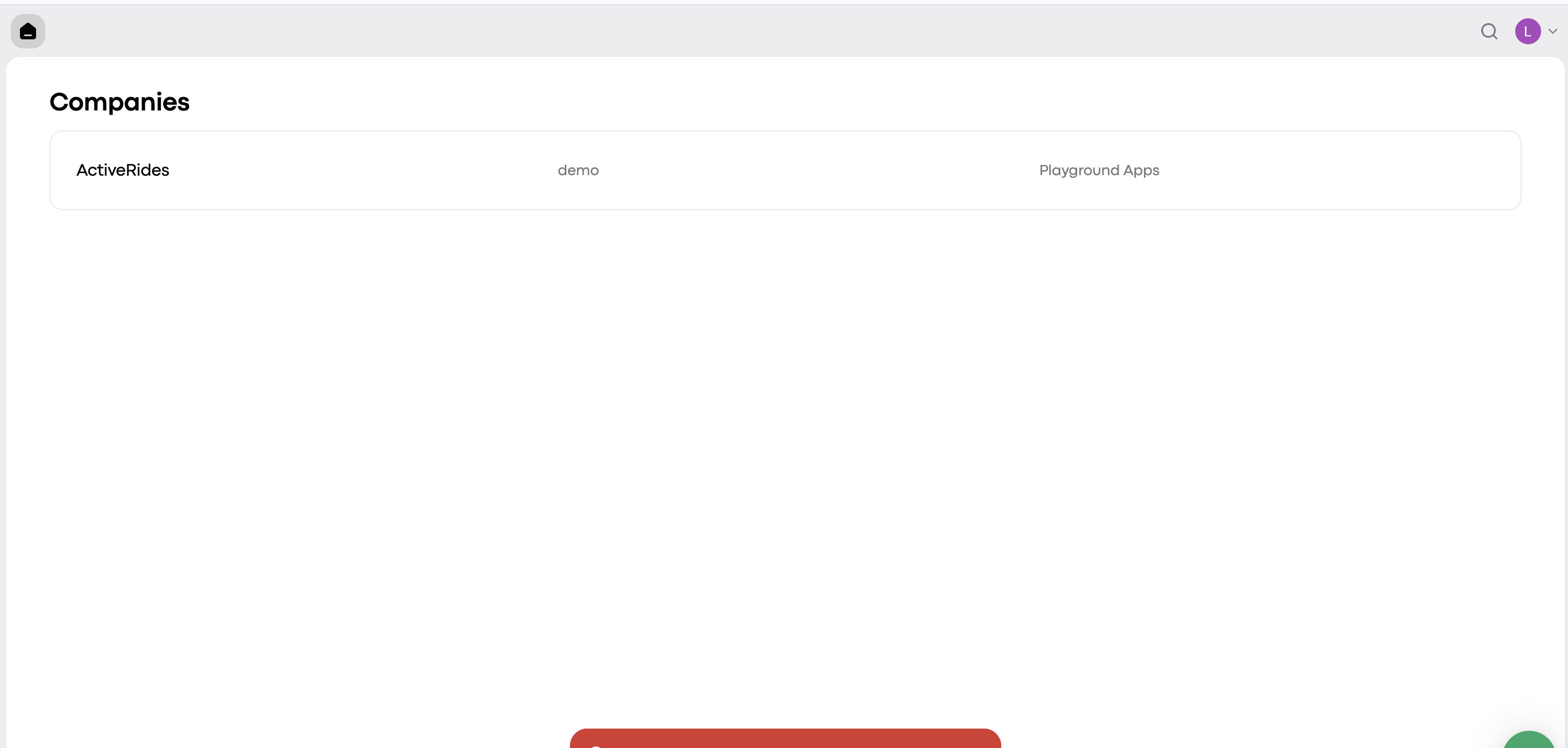
You’re now in the admin panel, where you can set up, manage, and monitor all aspects of your company. Take some time to explore the dashboard. 🚀
Once you’re registered, you can open My hub at any time:
Use the admin panel link in the website header.
Go directly to the My hub login page. Bookmark it for quick access.
