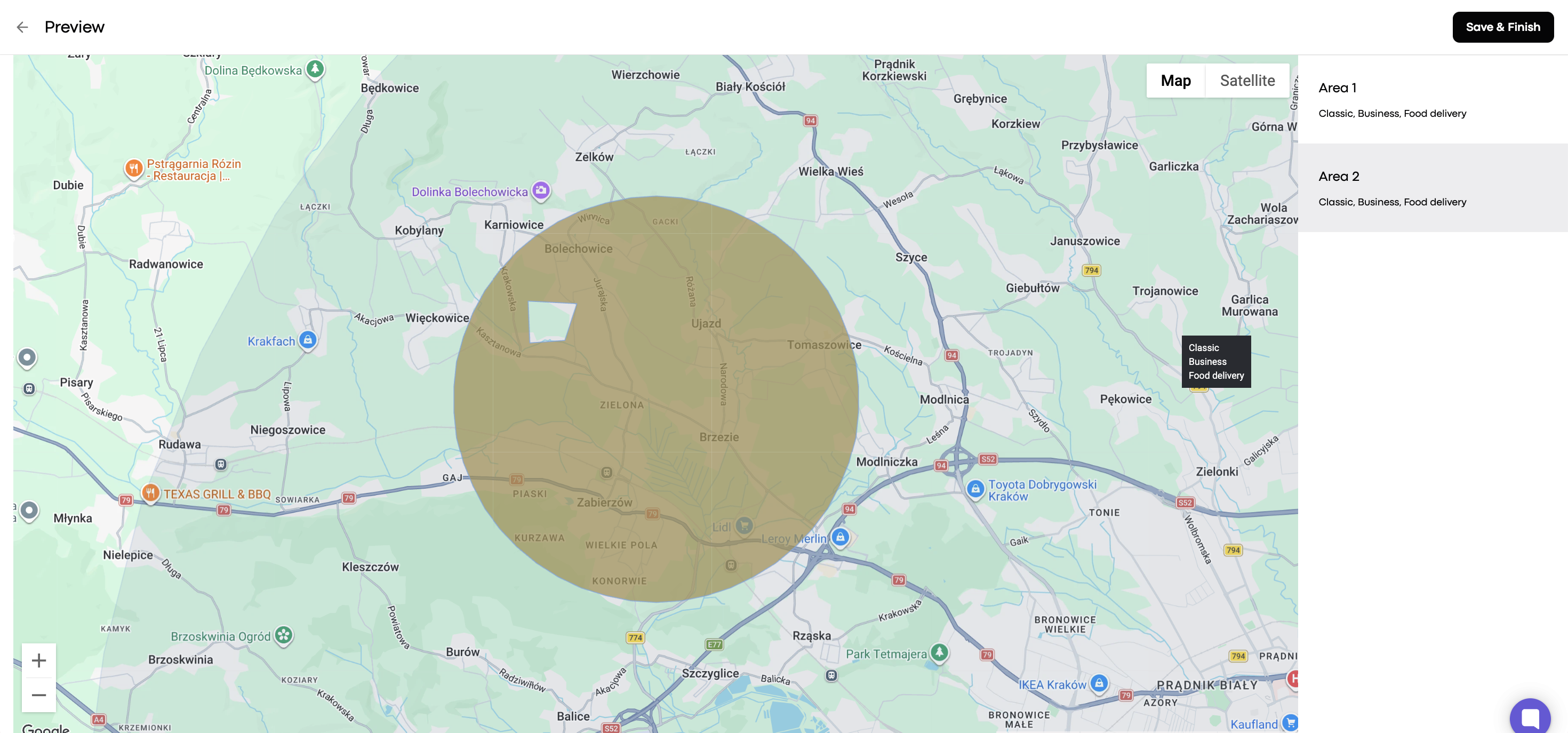
You can modify your operational area by creating custom working zones. Each zone can have its own shape, available services, and designated pick-up points.
Zones must be within a 100 km radius of your base point.
The total span of all zones combined can’t exceed 200 km in diameter.
You can create up to 10 zones per company.
The total number of vertices (zone corners) across all zones can’t exceed 200.
In My hub, go to Company settings and select Operational area.
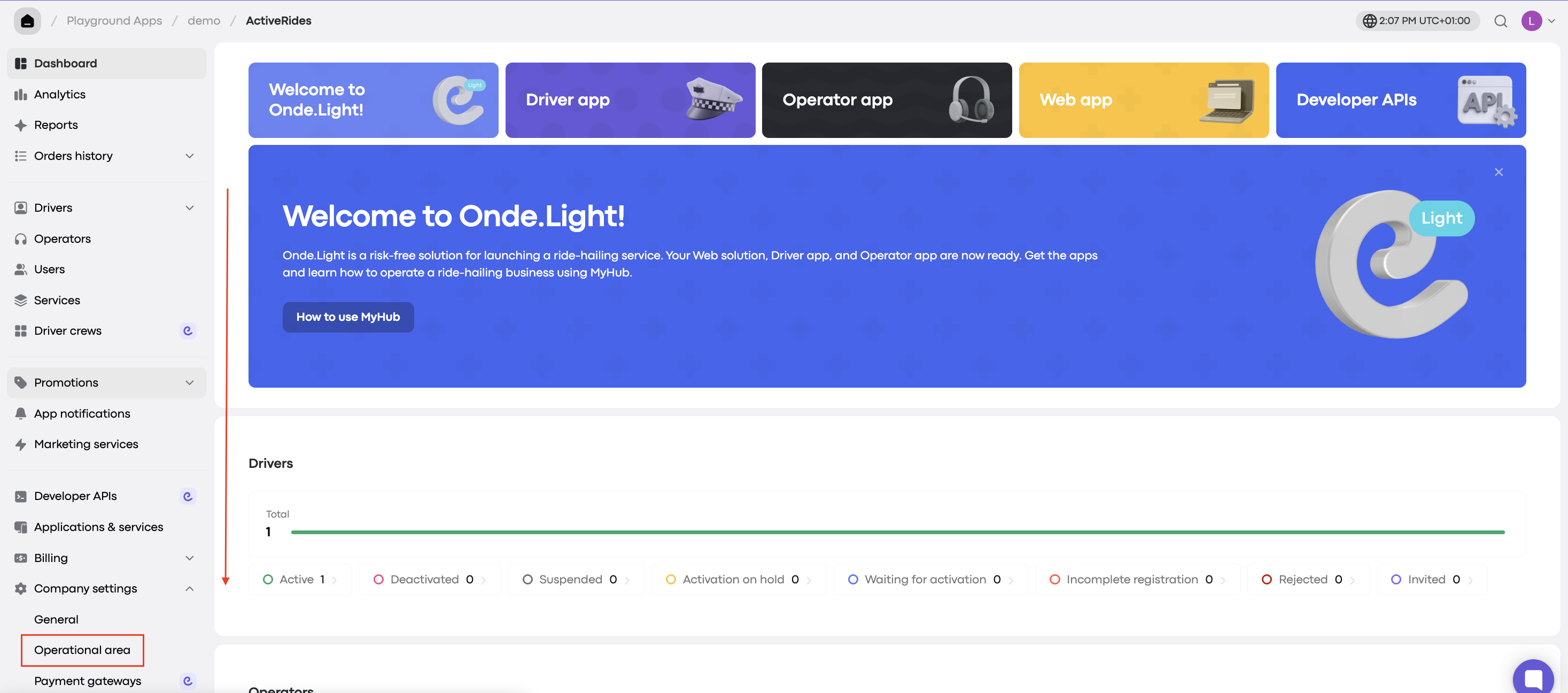
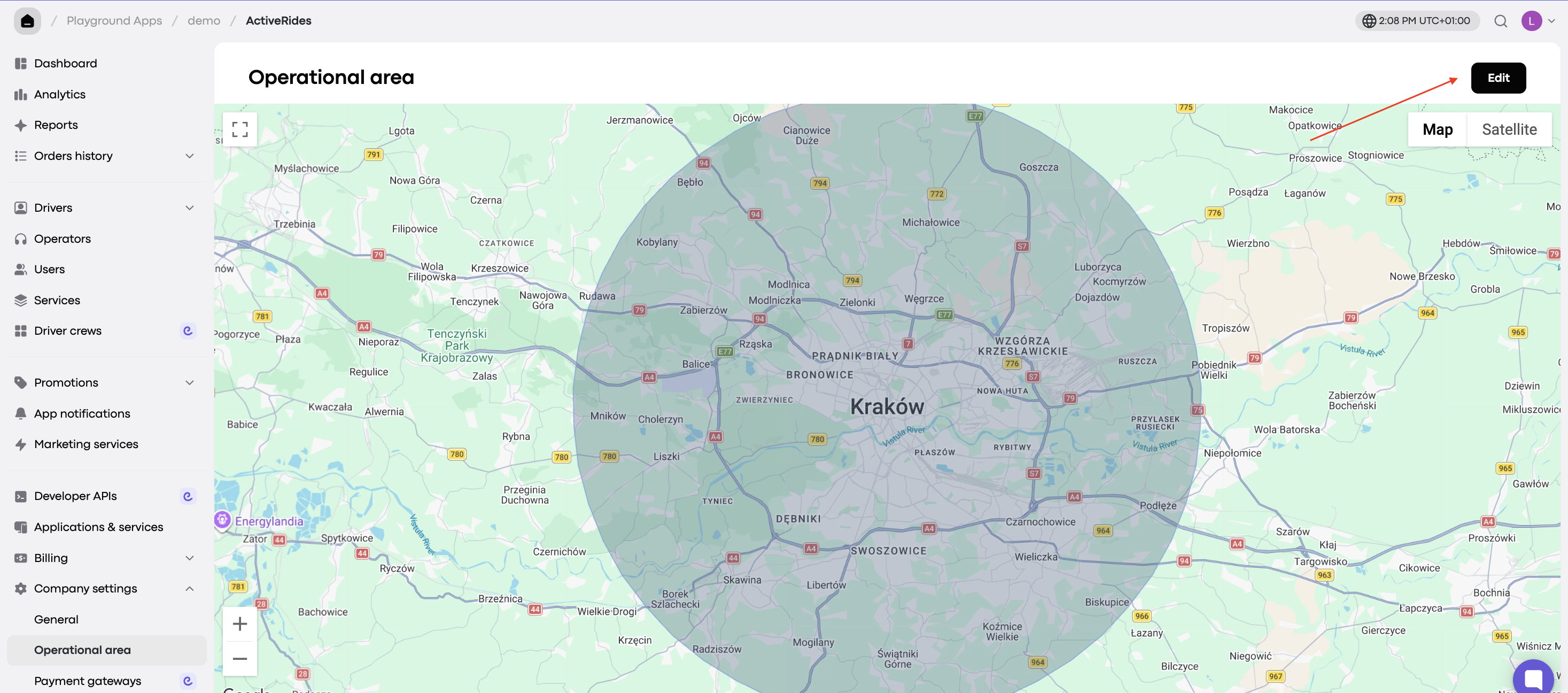
Click Edit in the top right corner of the screen.
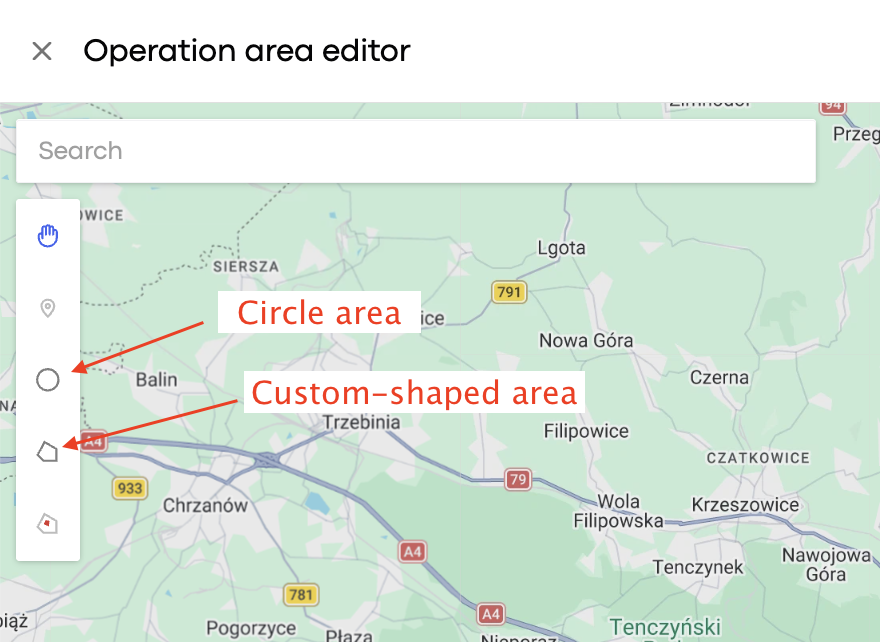
Use the circle or polygon tool to define your working area.
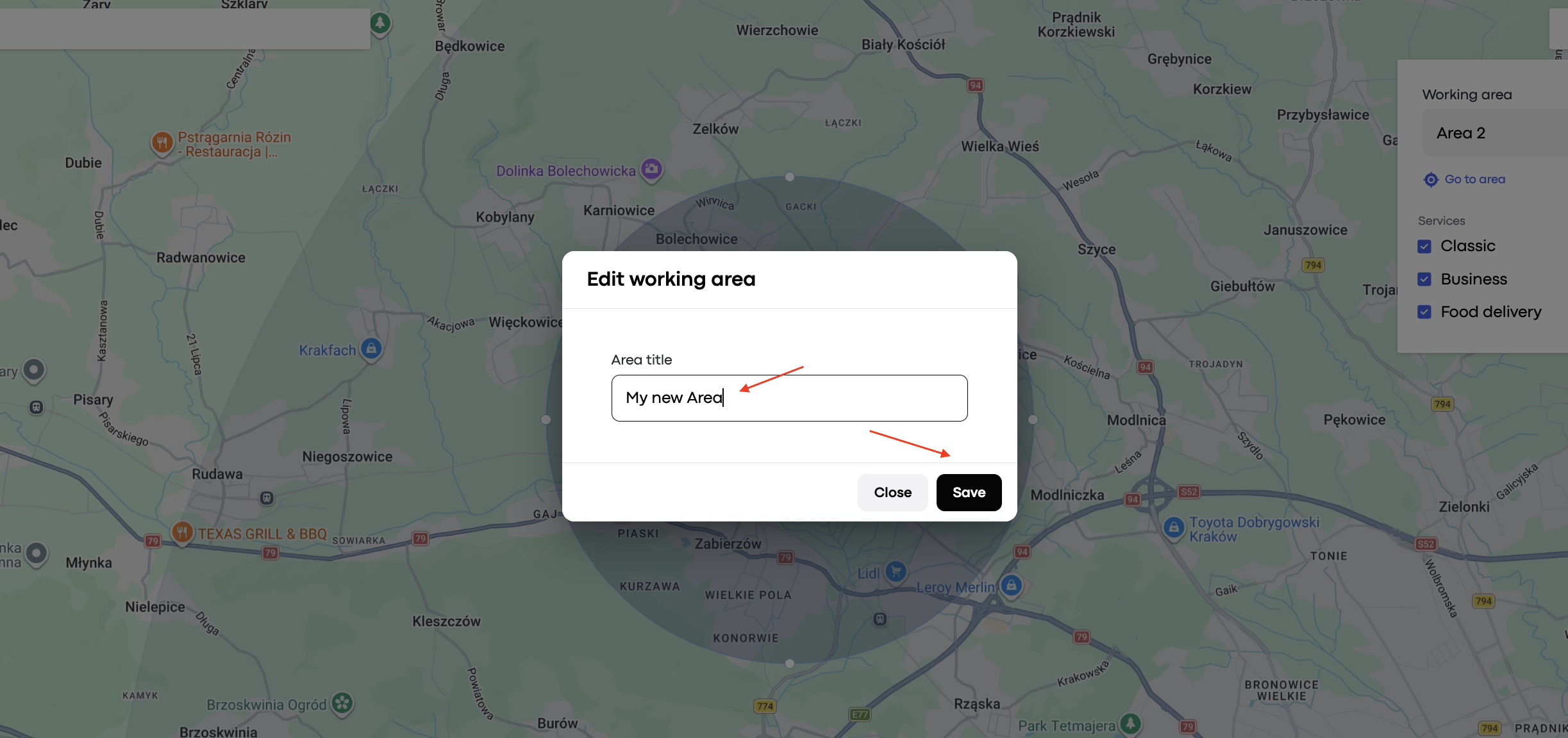
Name the area and click Save.
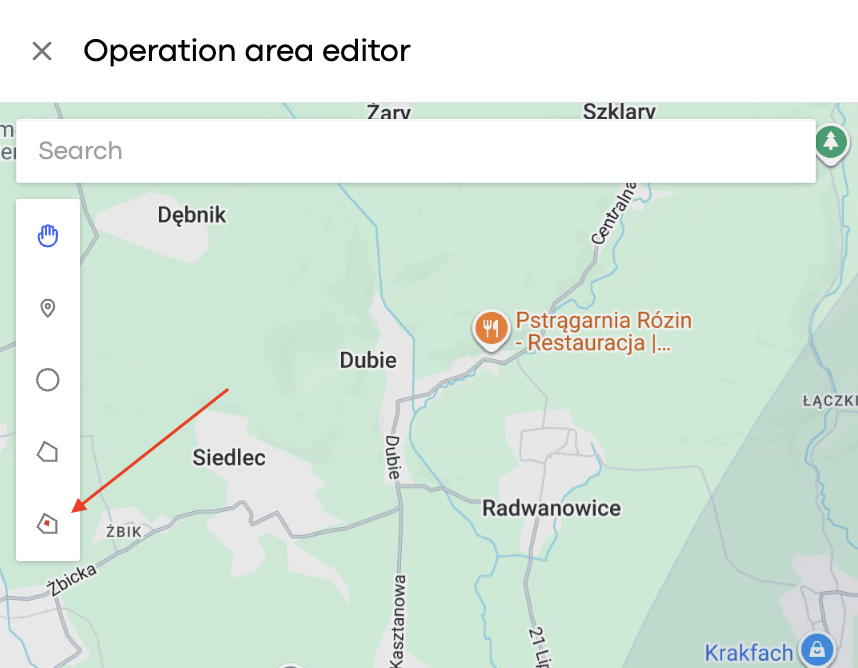
Select the exclusion tool from the menu on the left.
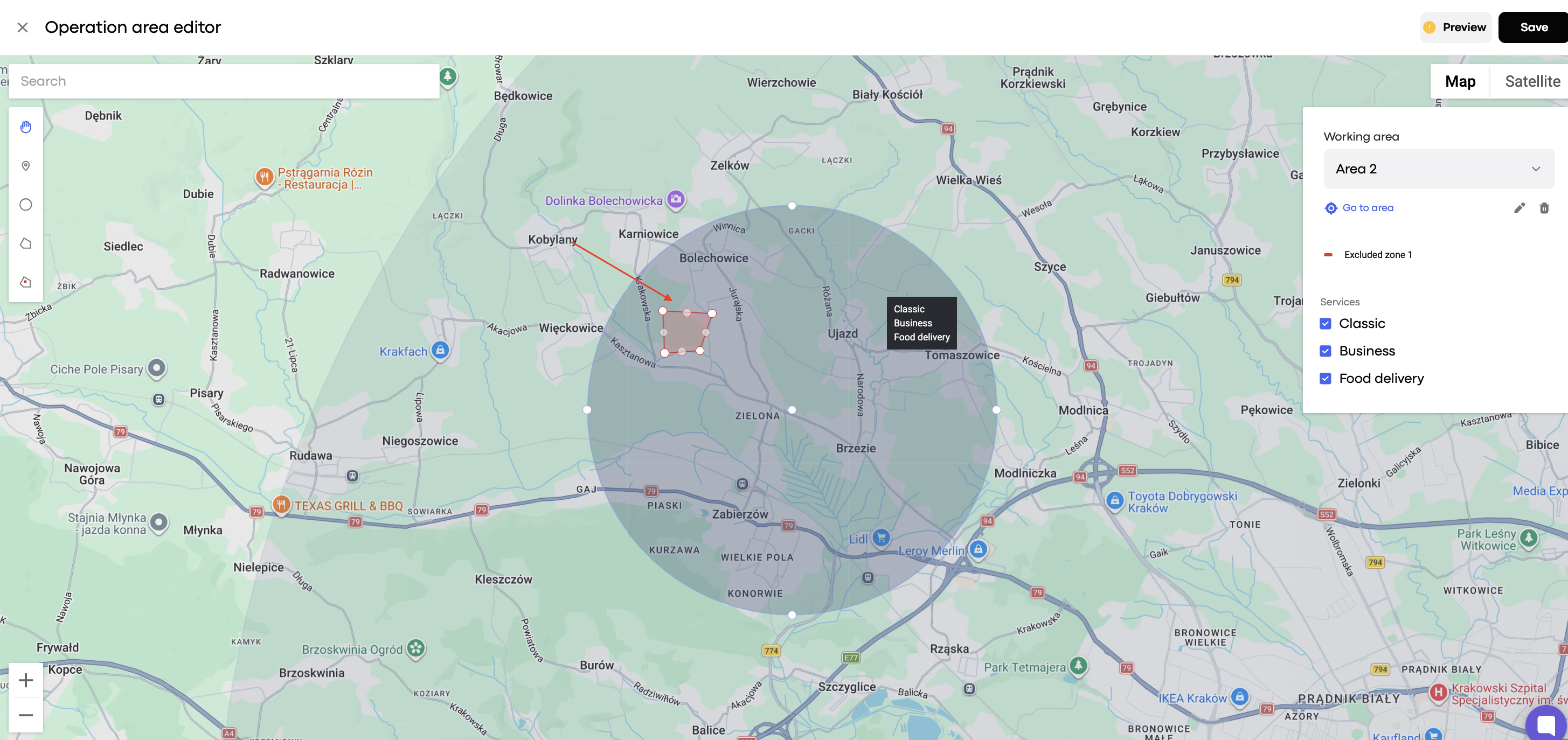
Draw a polygon inside your working area and close the shape.
Click Preview to review the excluded zone.
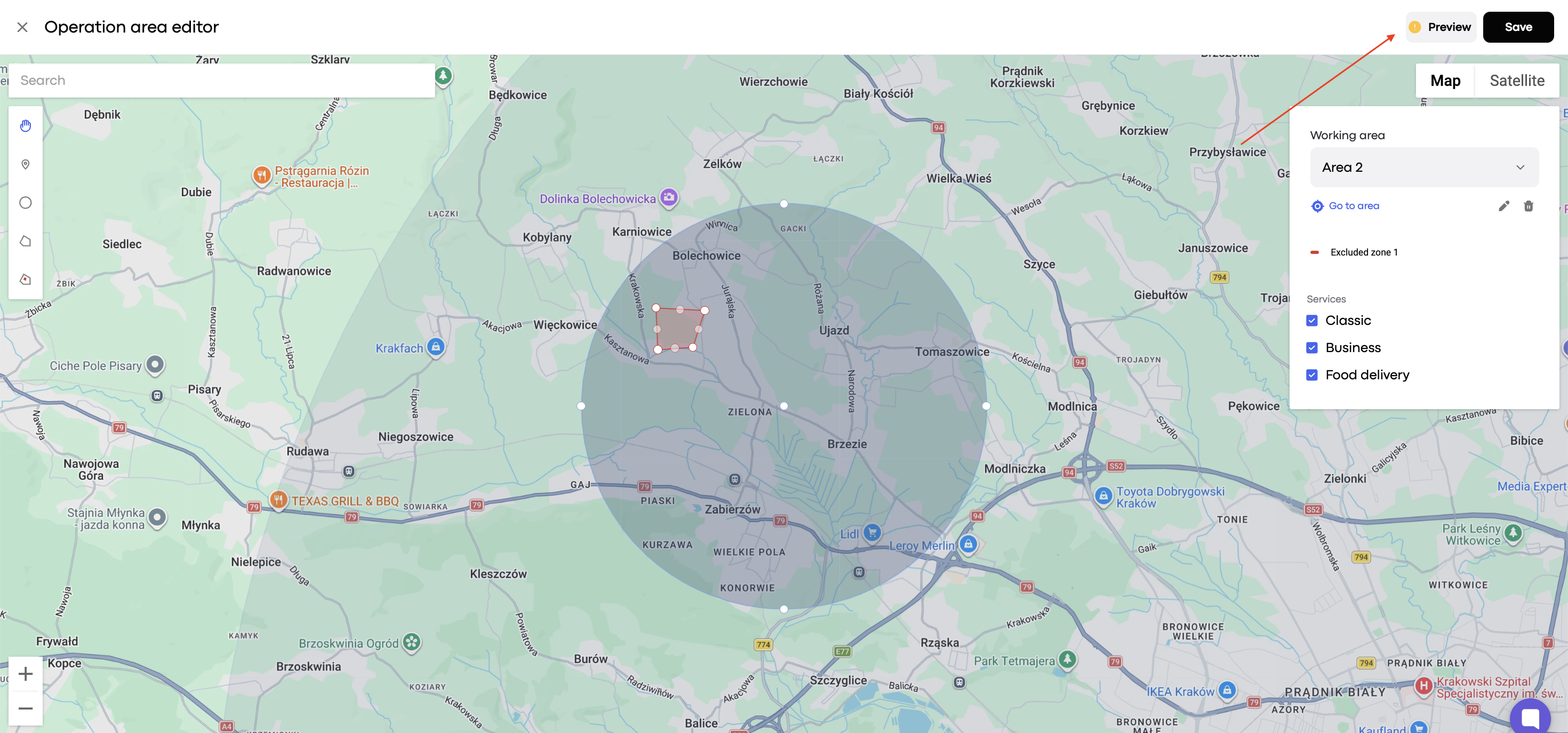
All done!