
Step 1. Go to My hub
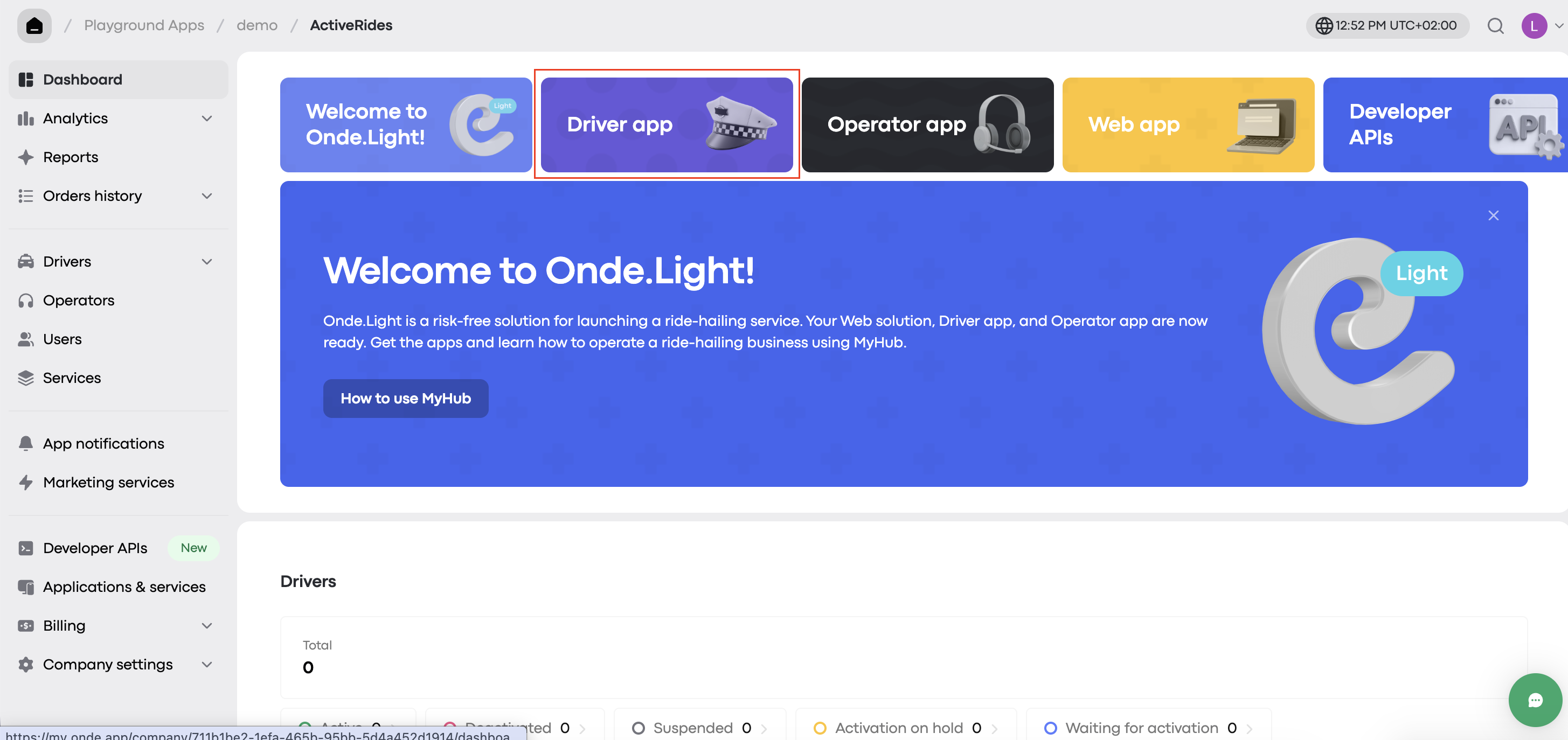
Log in to your My hub account.
From the main screen, select the Driver app – you’ll find it either directly on the dashboard or in Settings under Applications and Services.
Step 2. Download the app
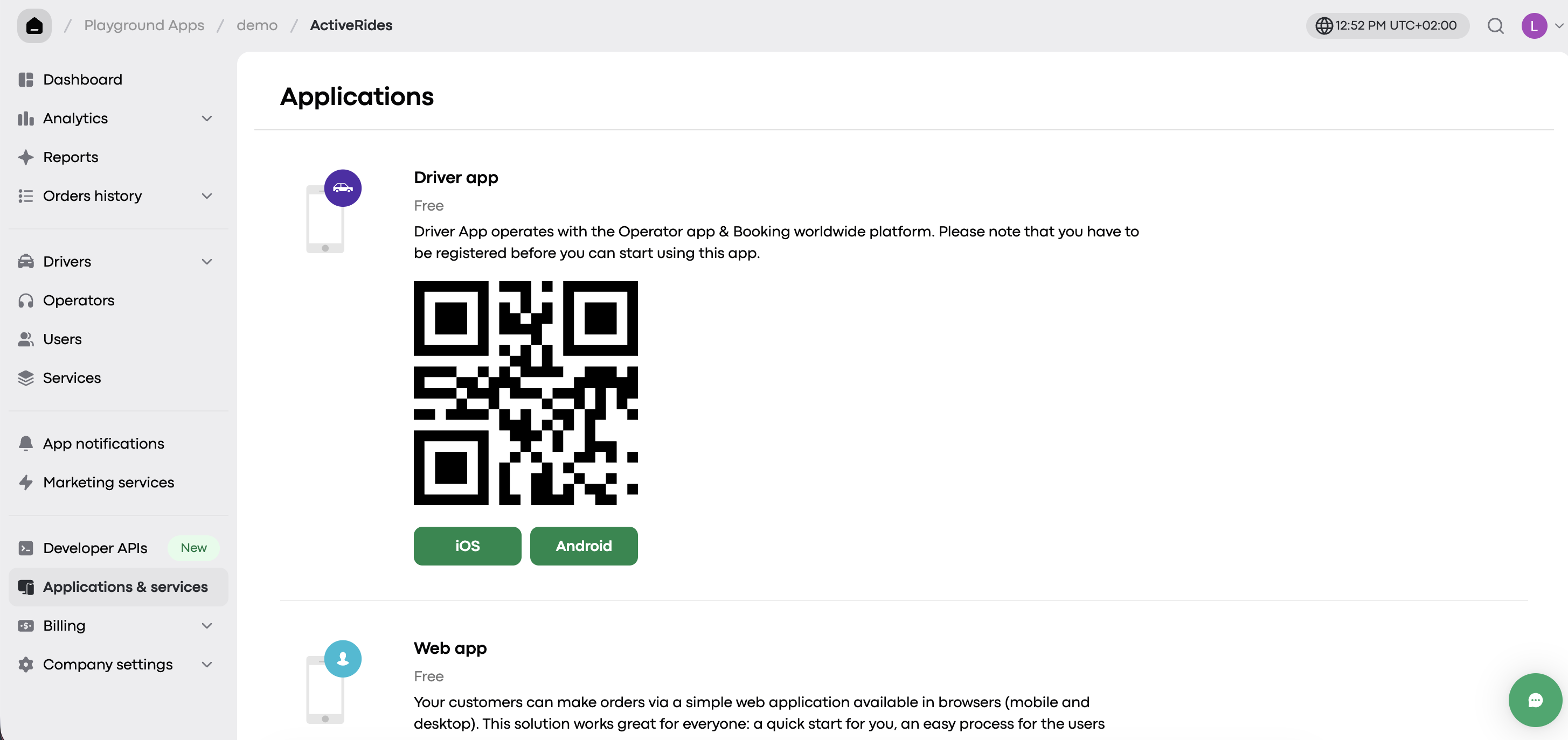
The Onde.Light Driver app is available for both Android and iOS devices.
Just choose the version that matches your phone's OS and click the corresponding button to start the download.
📽 Watch the video below to see the steps in action: