
When topping up your balance for the first time, you may see a banner saying that payment needs to be processed manually by our support team. This is expected — some accounts require a one-time verification before self-service payments are enabled.
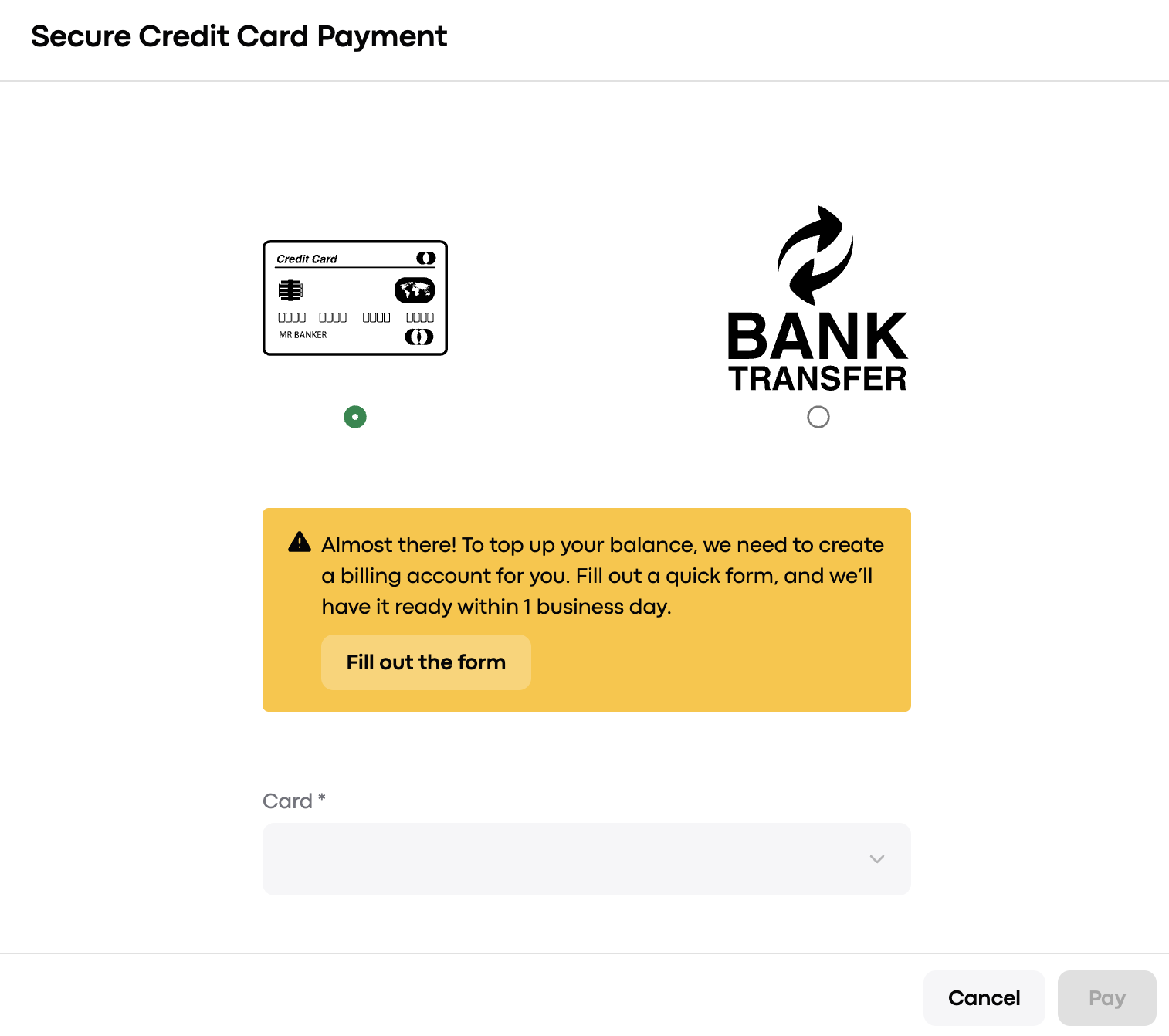
To resolve this, fill out this form with your billing details. Within 1 business day, our finance team will create your billing account so you can top up your balance easily going forward.
If You're Registering as a Company
Company name
Registration number
VAT ID
Email for invoice
Country
City
Post code
Address
If You're Paying as an Individual
Your name
Email for invoice
Country
⚠ Please make sure all information is accurate and matches your official documents. Incorrect billing details may cause delays in processing your payment or issues with your invoices. You are responsible for the accuracy of the data provided.
Still Have Questions?
Visit our Help Center or post in our Community.