
If you see a CAPTCHA error when trying to register in Onde.Light, try the steps below. In most cases, the issue can be fixed quickly.
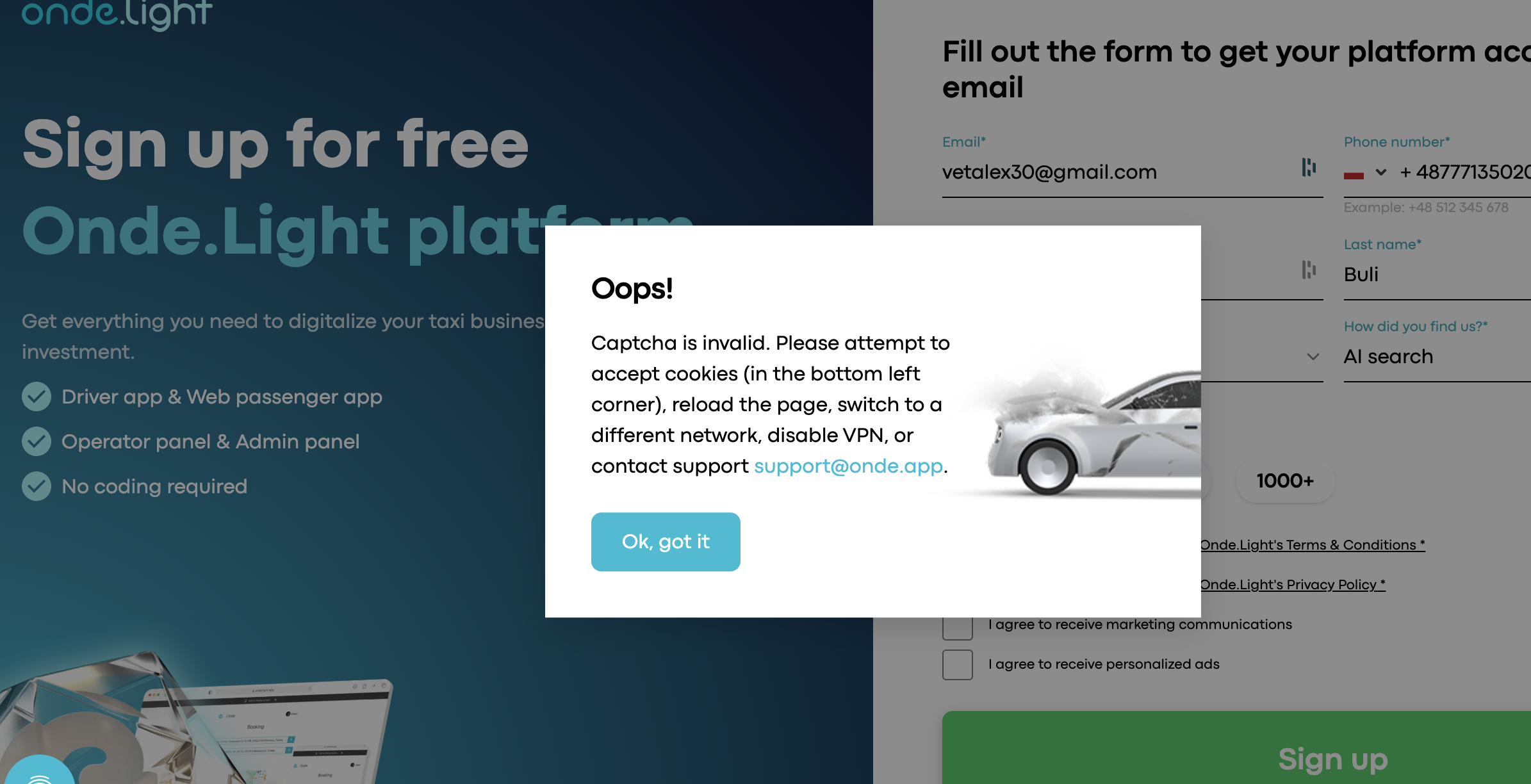
Step 1. Refresh the page
Reload the sign-up page, fill in the form again, and try to submit it one more time. Sometimes this is enough to fix the issue.
Step 2. Clear your browser cache and cookies
Saved browser data can sometimes affect how CAPTCHA works.
Clear your cache and cookies, close the browser, open it again, and return to the sign-up page. Then try registering again.
Step 3. Try a private or incognito window
Open the sign-up page in a private or incognito window and complete the form there.
This can help avoid problems caused by saved data or browser extensions.
Step 4. Turn off your VPN
If you are using a VPN, disable it and try again.
Some VPN connections may trigger CAPTCHA checks and prevent registration.
Still cannot register?
If you’ve tried all the steps above and the issue still persists, please reach out to us via our Onde.Light Community, and our support team will assist you.When submitting your request, make sure to include:
Your country
The email address you’re using to sign up
A brief description of the issue (screenshots or a short video are helpful if available)
This information will help us resolve your issue faster.