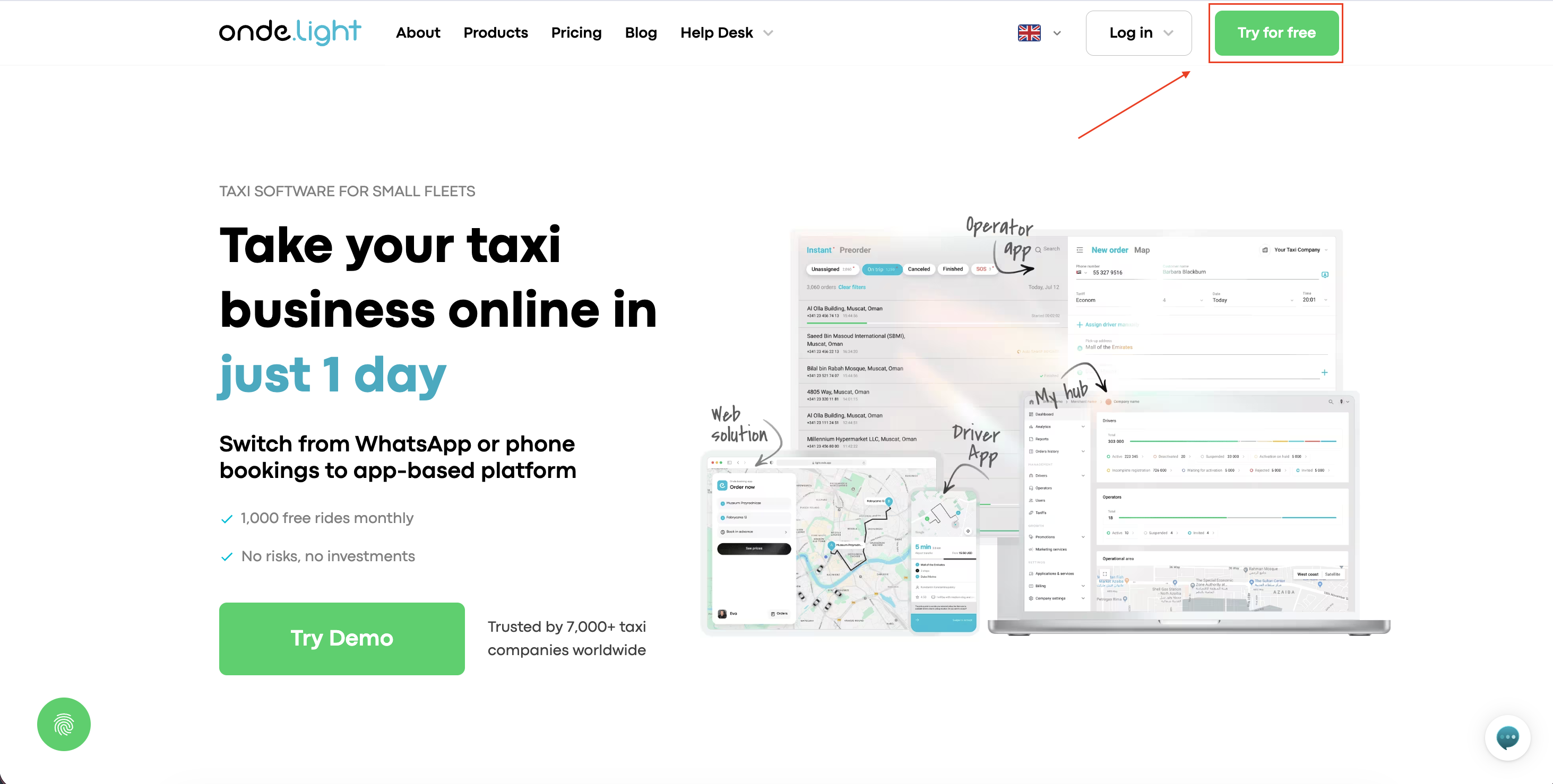
Сlick the “Try for free” button at the right-hand corner to start the sign-up process.
Fill in the registration form with your first name, last name, email address, phone number, and business details. All fields are required.
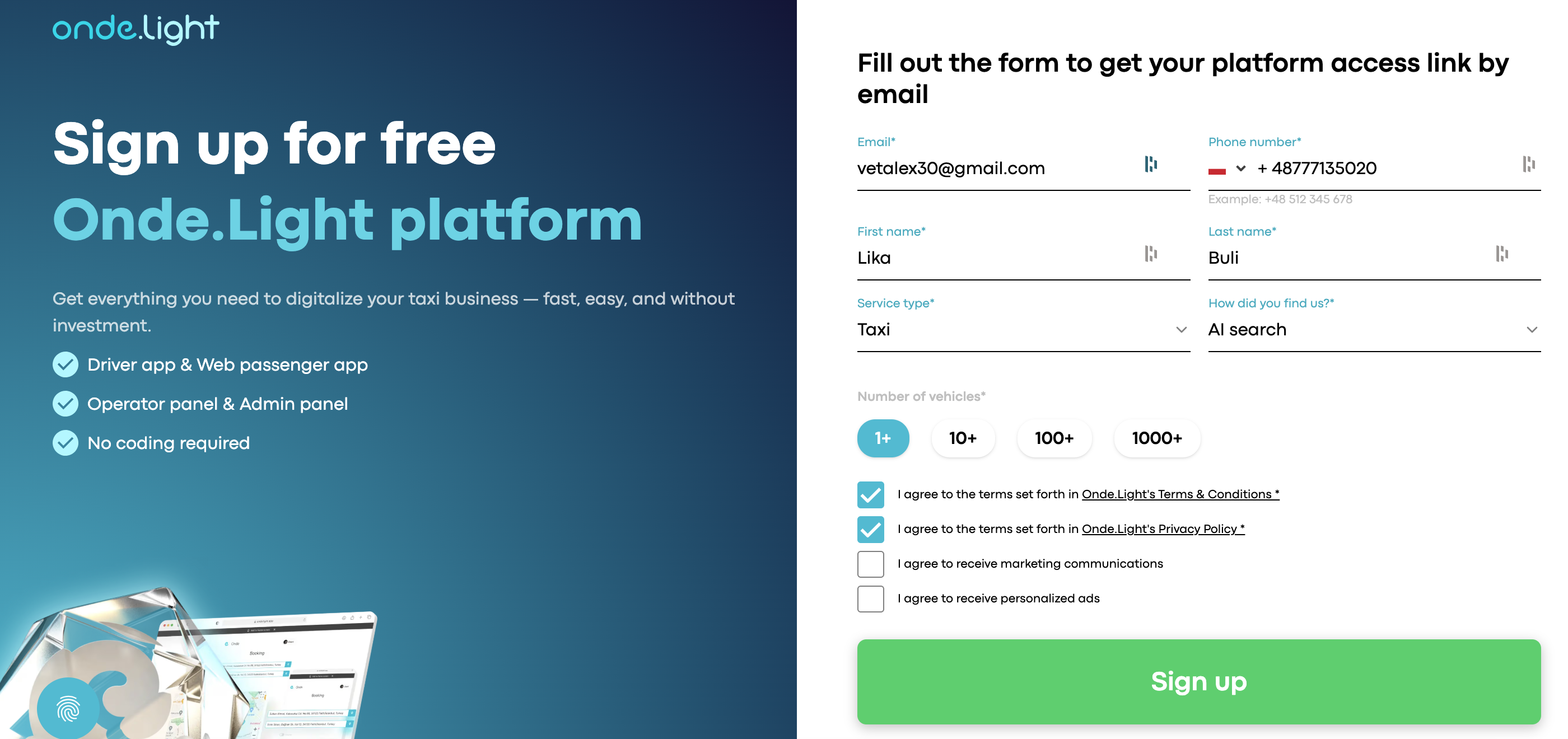
❗Important: If you've registered with Onde.Light before, use a different email address this time.
To complete your registration, you’ll also need to accept our Terms and Conditions and Privacy Policy.
We use cookies to give you the best experience on our website. By continuing, you agree to our use of cookies as described in our policy.
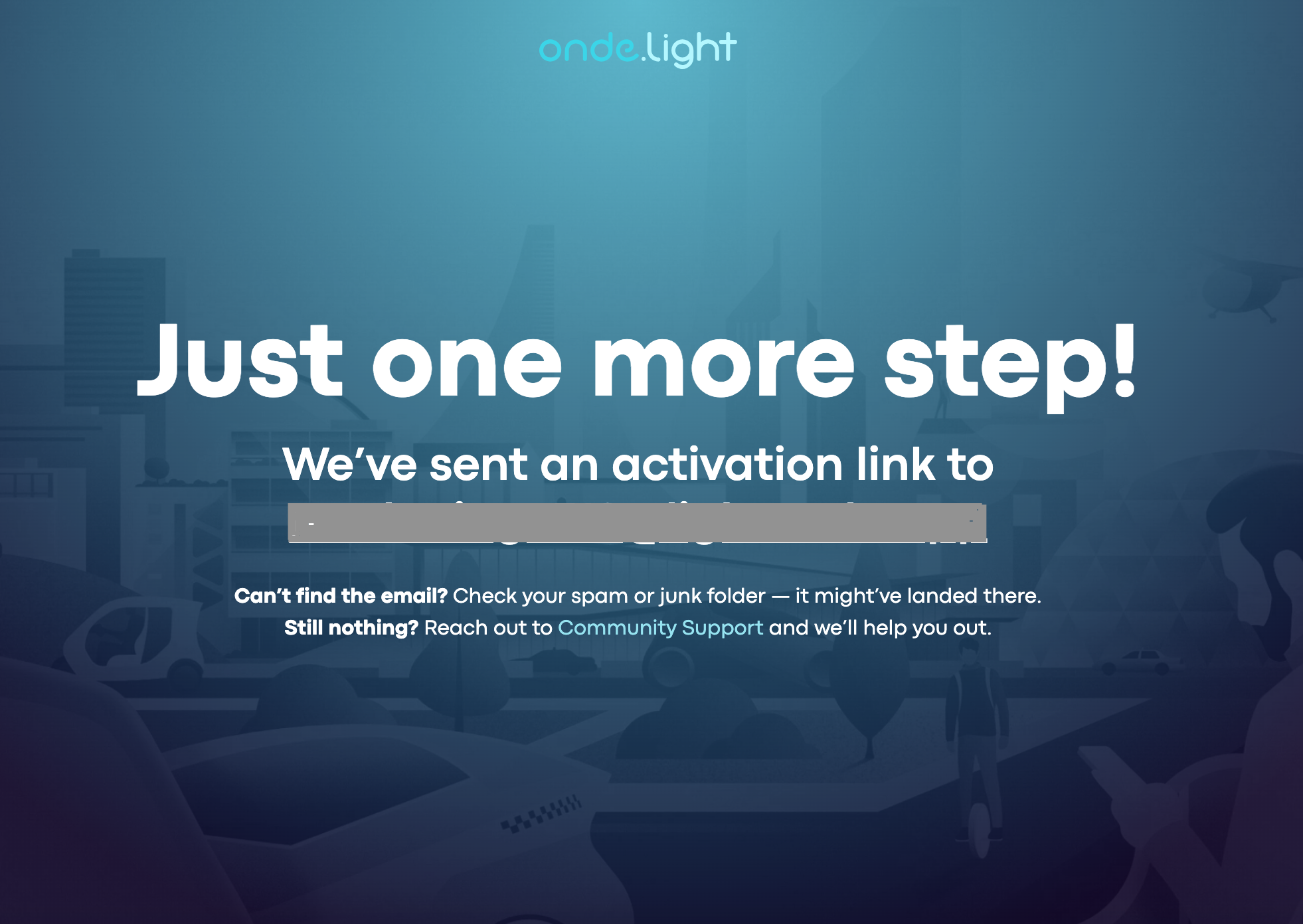
After successful registration, a confirmation pop-up will appear on your screen. You’ll also receive an activation email shortly after.
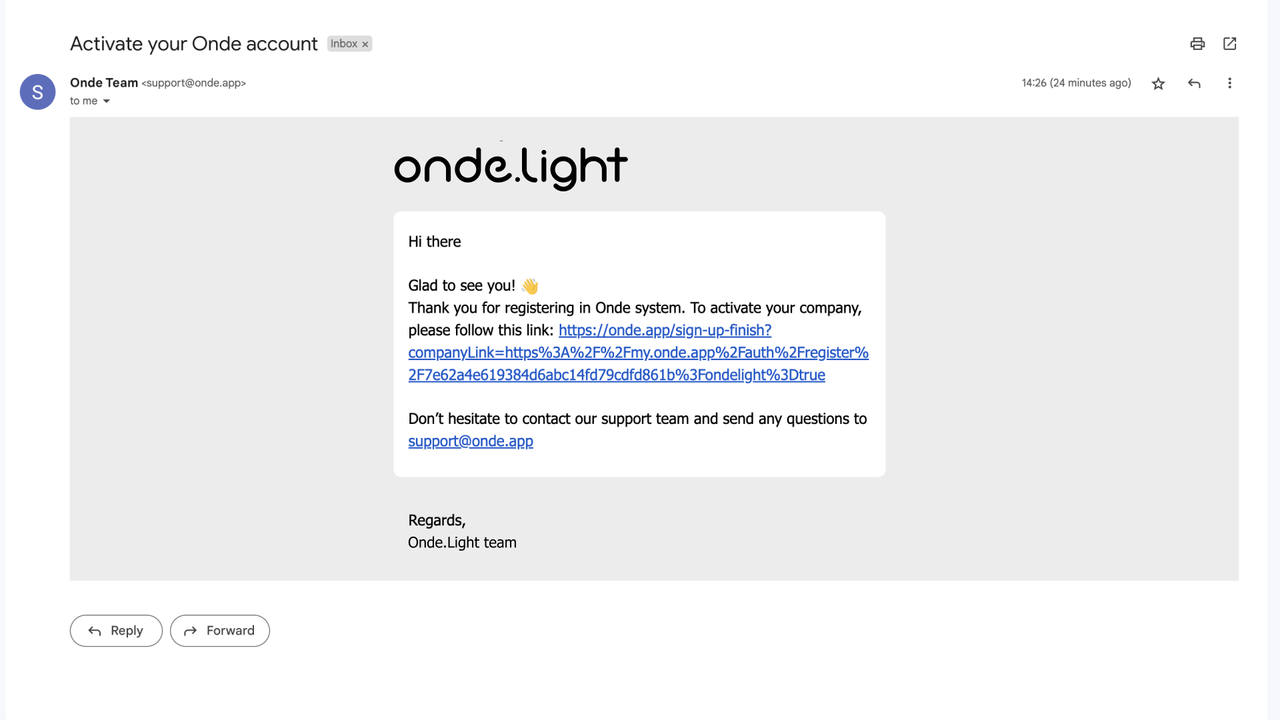
Check your inbox – an email with a link to your Onde.Light dashboard is already waiting. Don’t forget to check your promotions and spam folders if you don’t see it straight away!
Click the link, like shown on the screen, to activate your account.
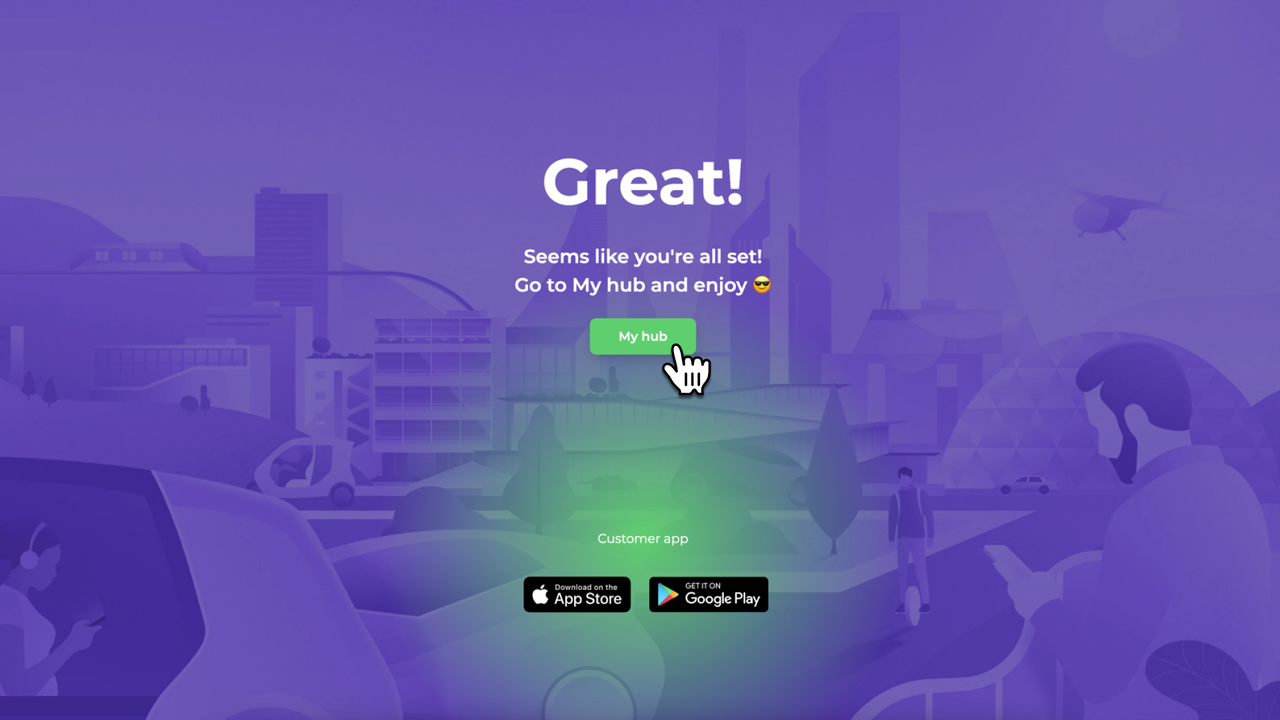
Click the “My hub” button to activate your company in the My hub system - the admin panel for your company.
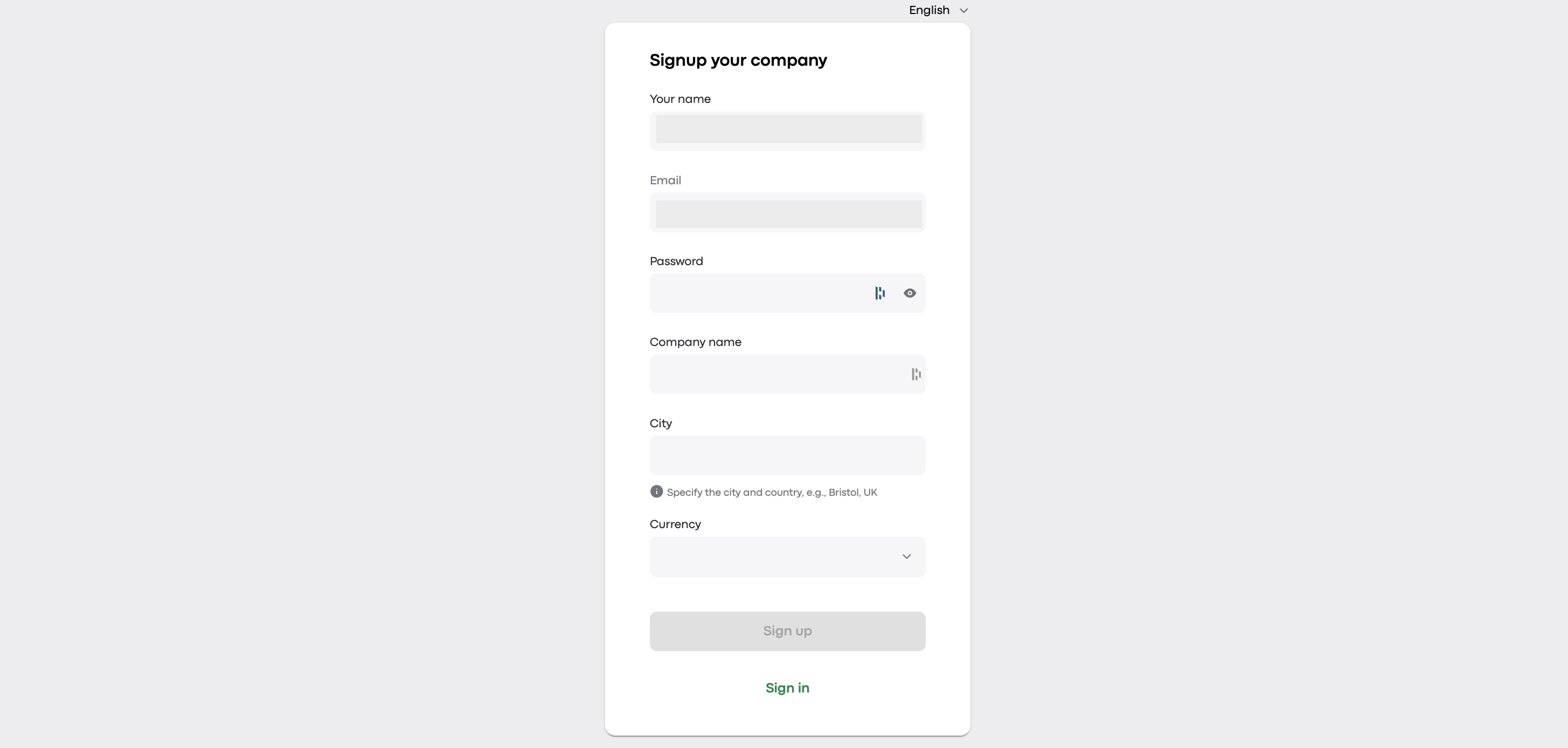
Fill out your company details (address, contact info, etc.).
❗Important: Please ensure your company name does not contain restricted terms like "Onde" or "Onde.Light."
After entering the required information, click “Sign up” and you will be redirected to My hub.
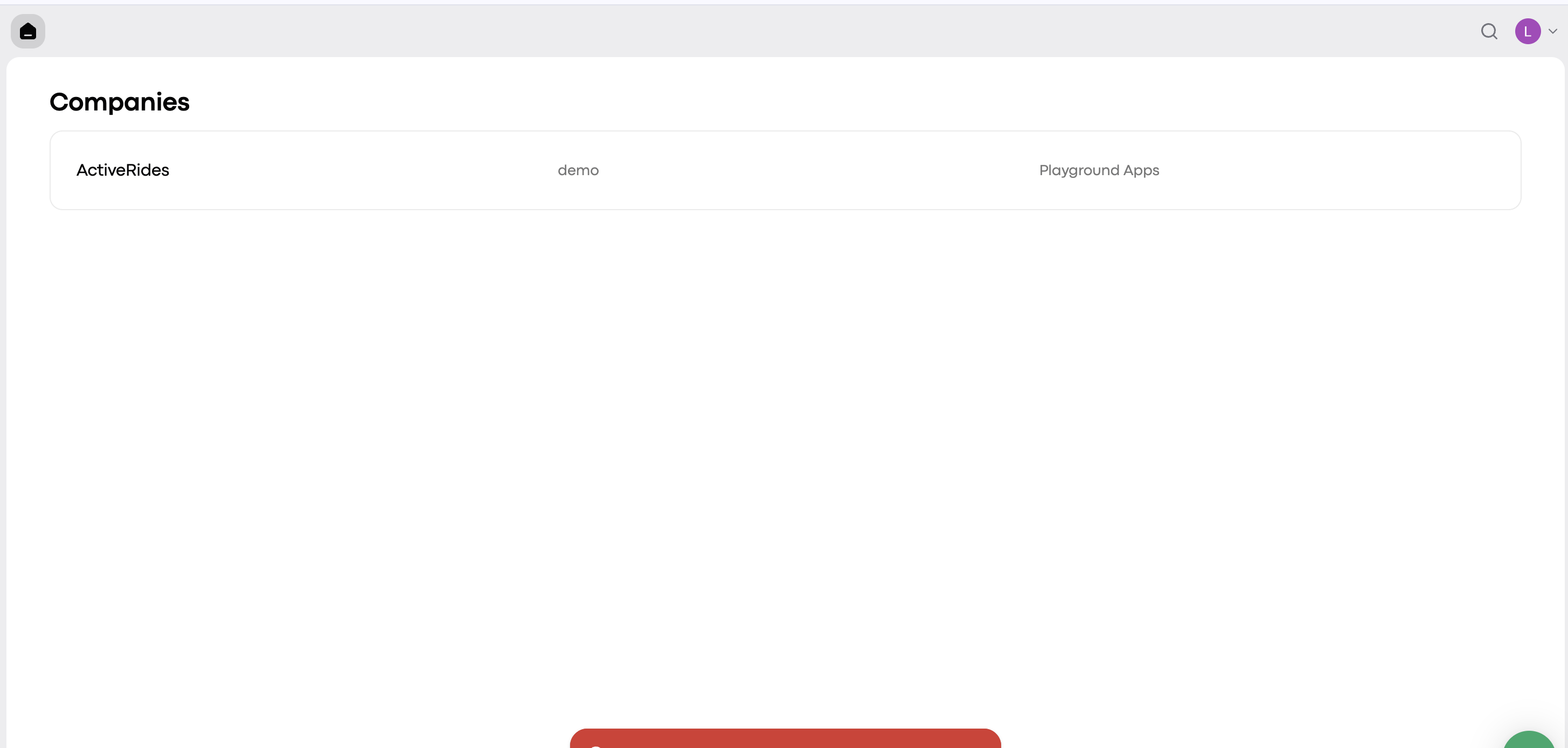
The company you have created is displayed here. Click on it and go to the main dashboard.
Congrats!🥳 You are in the platform admin panel, from where you can set up, manage, and monitor all operations of your company.
Now you can familiarise yourself with the dashboard and access the rest of the products.
