If you see an error during registration, try these steps:
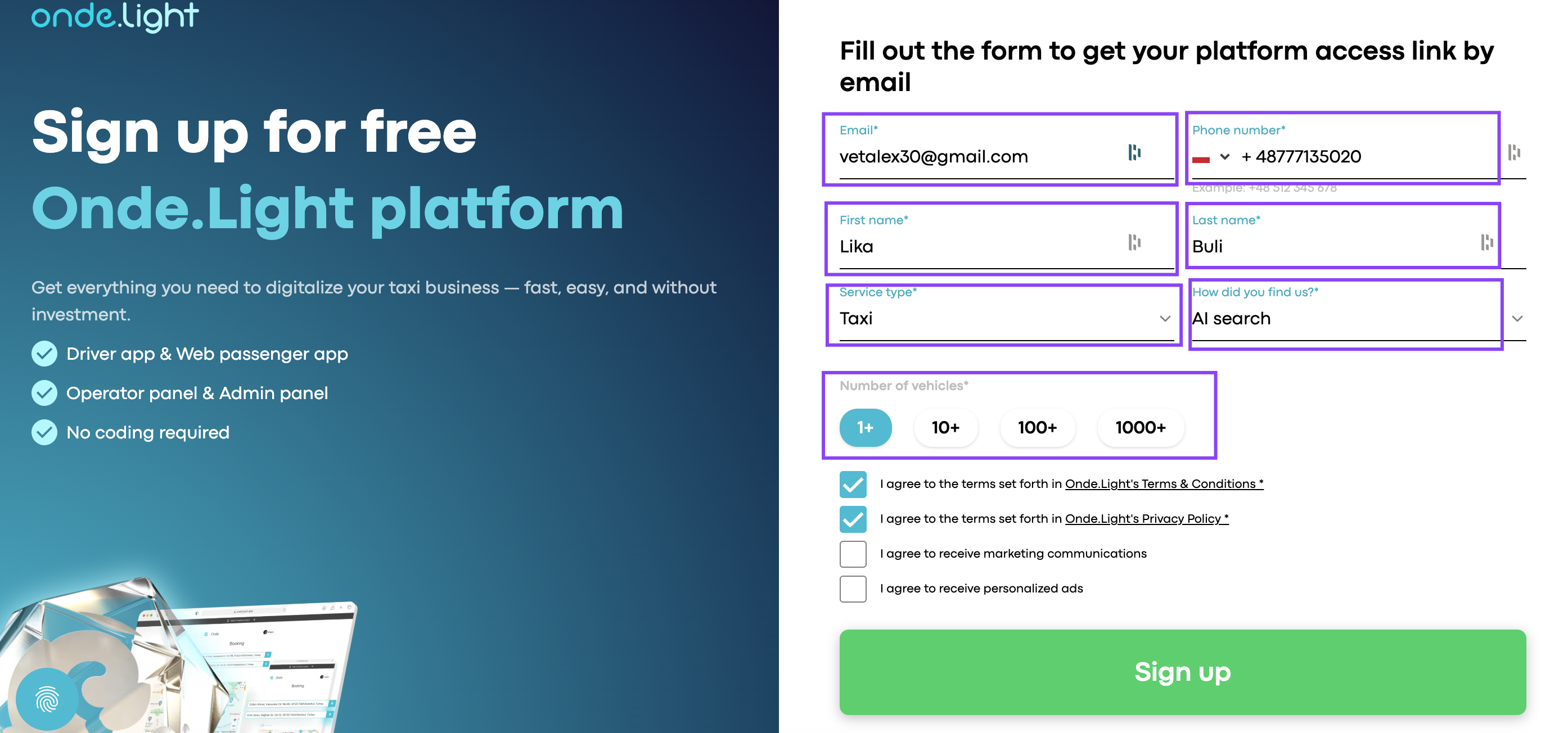
Make sure every required field in the registration form is filled in correctly. Required fields are marked with a special symbol, such as (*). If one of them is missed, registration may not work.
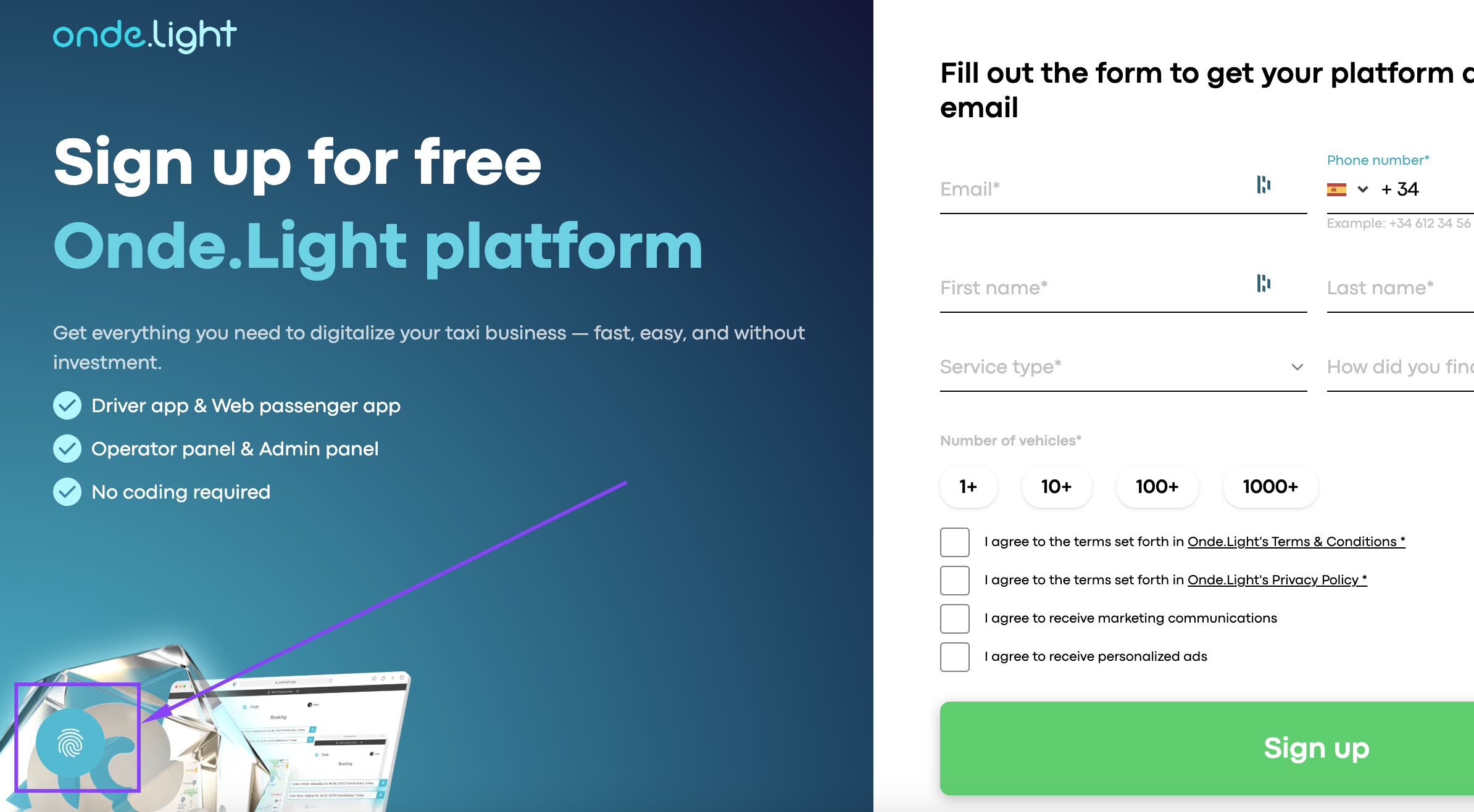
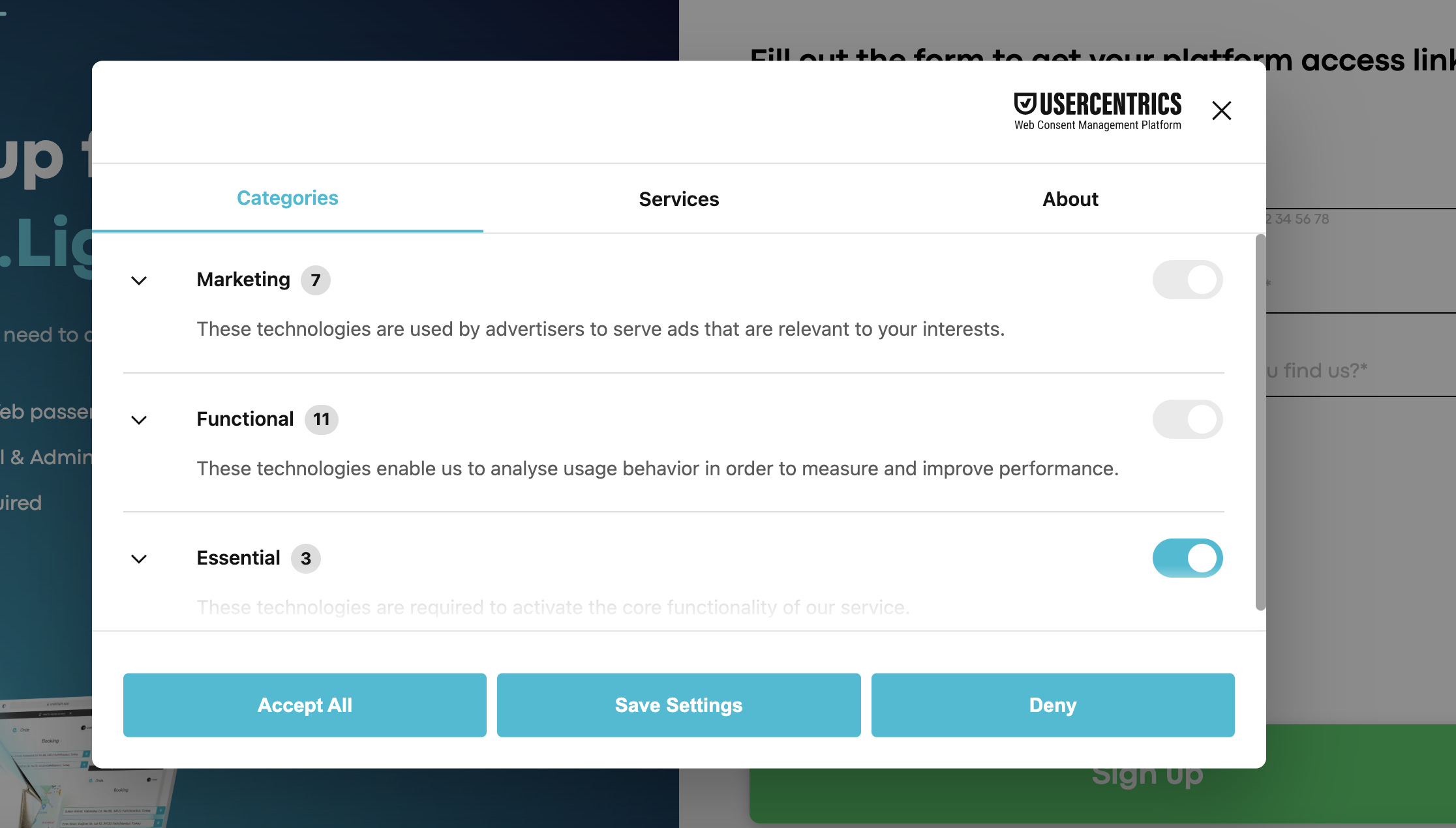
Registration may not work if cookies are not accepted. Make sure you allow all required cookies before trying again.
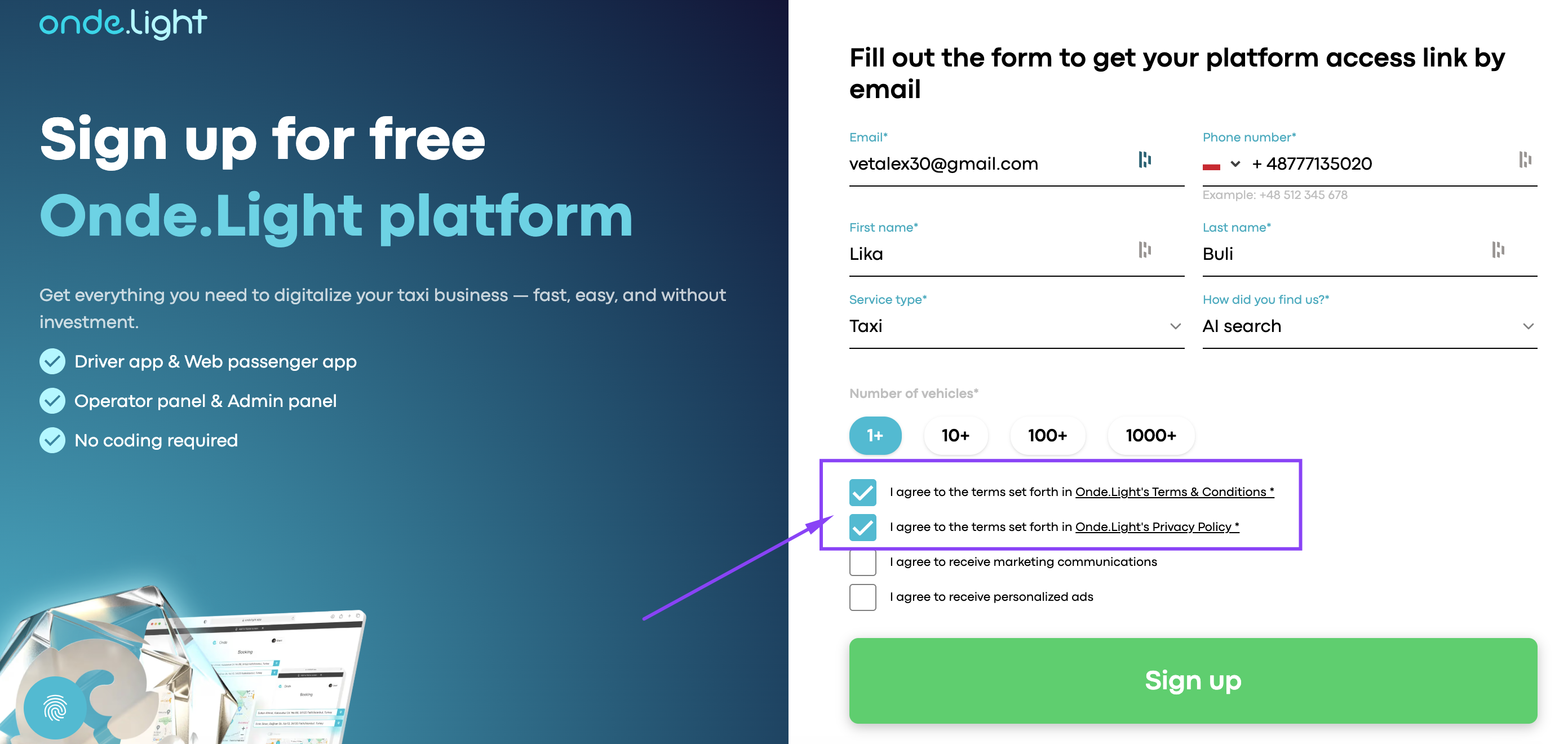
Before submitting the form, make sure you have accepted all required agreements.
You can register only with a unique email address. If this email was already used for an Onde.Light or Onde account, try a different one.
🤓 Tips: You can create a variation of your existing email using the “+” trick. For example:
[email protected] → [email protected]
Both will still deliver emails to your original inbox.
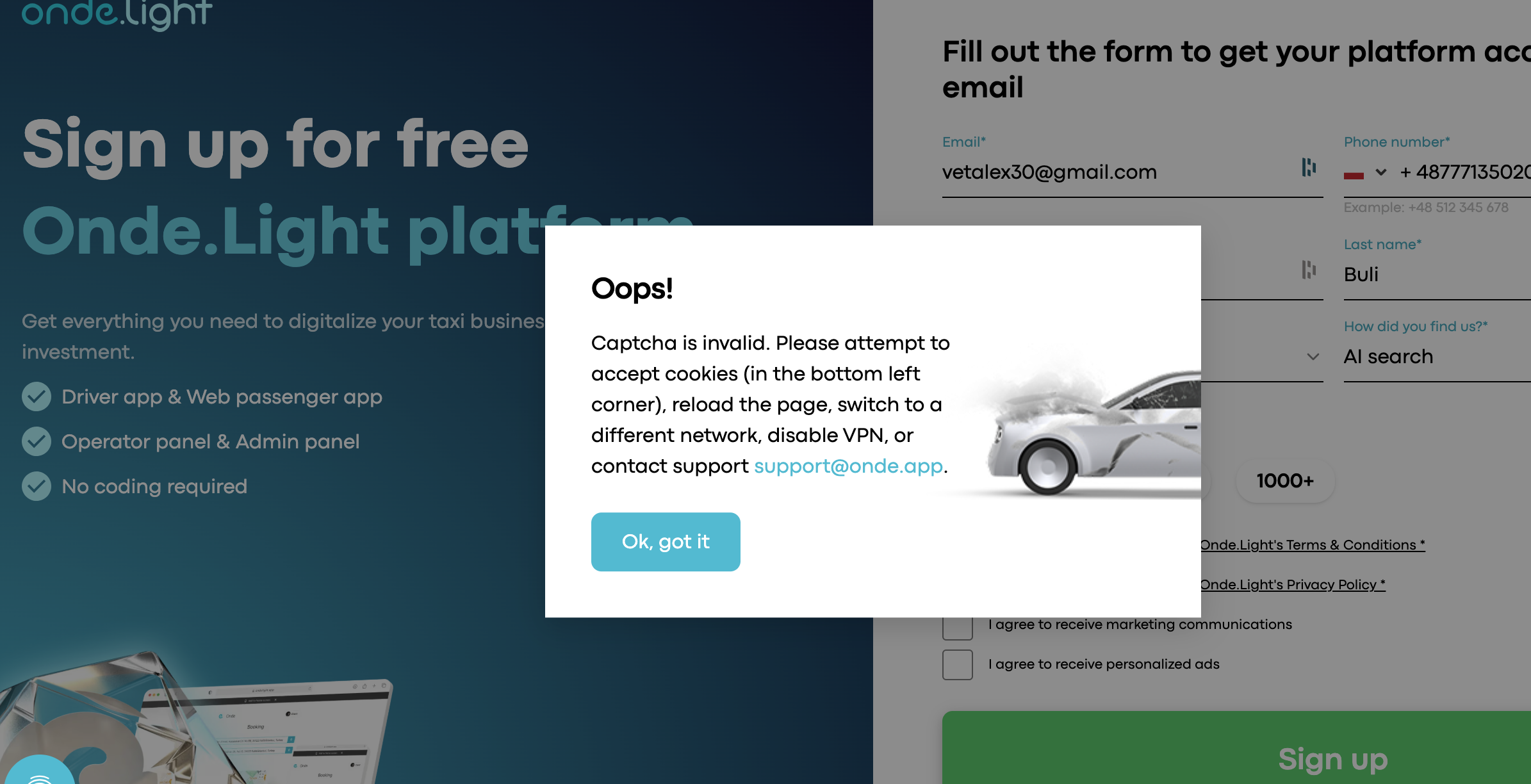
If everything looks correct but CAPTCHA still does not let you sign up, clear your browser cache or open the registration page in Incognito or Private Mode and try again.
Go to the Onde.Light Community and send a request to the support team. Include:
a short description of the issue
a screenshot or video, if possible
the email address you used during sign-up
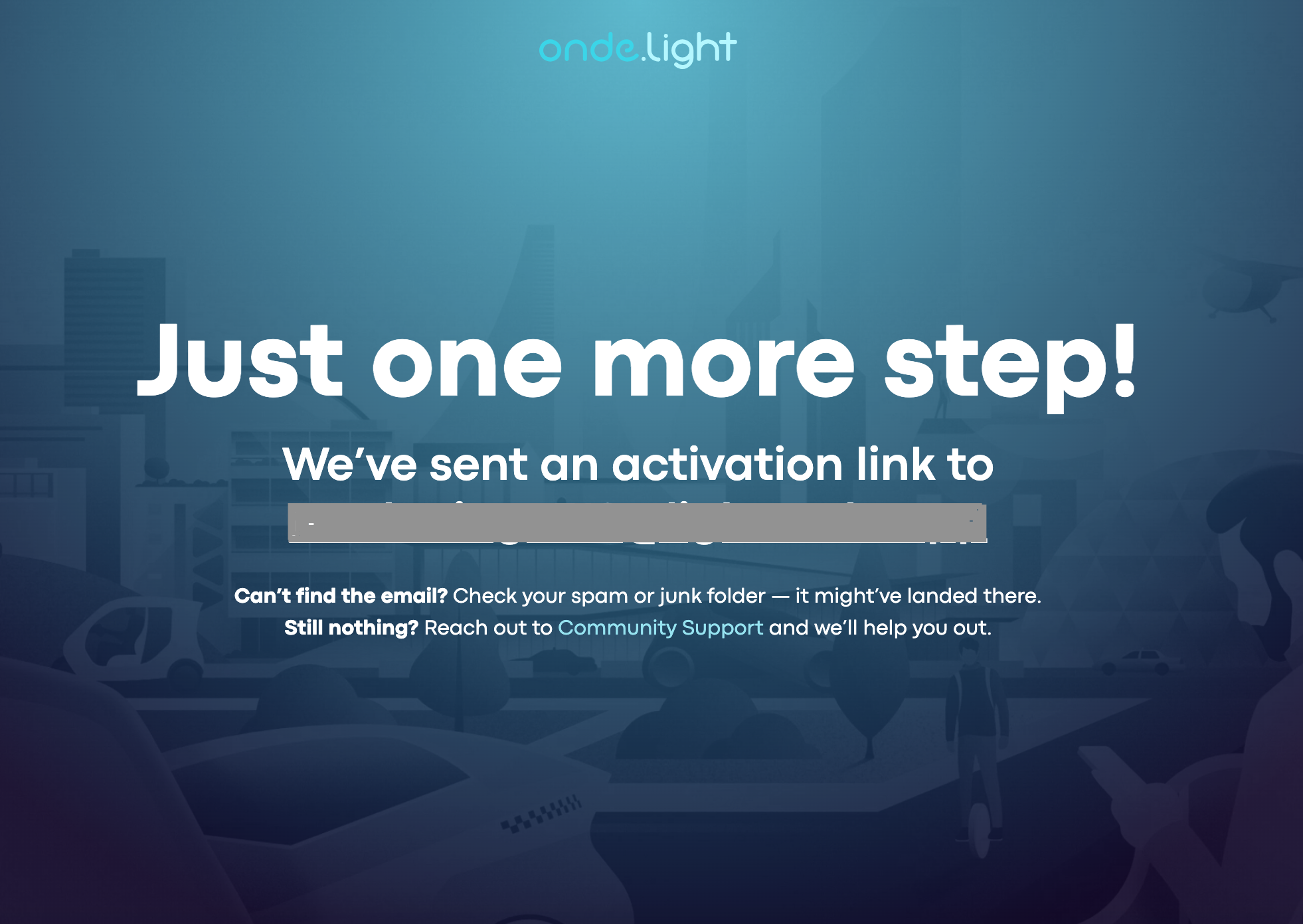
When registration is complete, you will see a confirmation message on the screen and receive an activation email.
At the same time, you should also receive an activation email in your inbox.
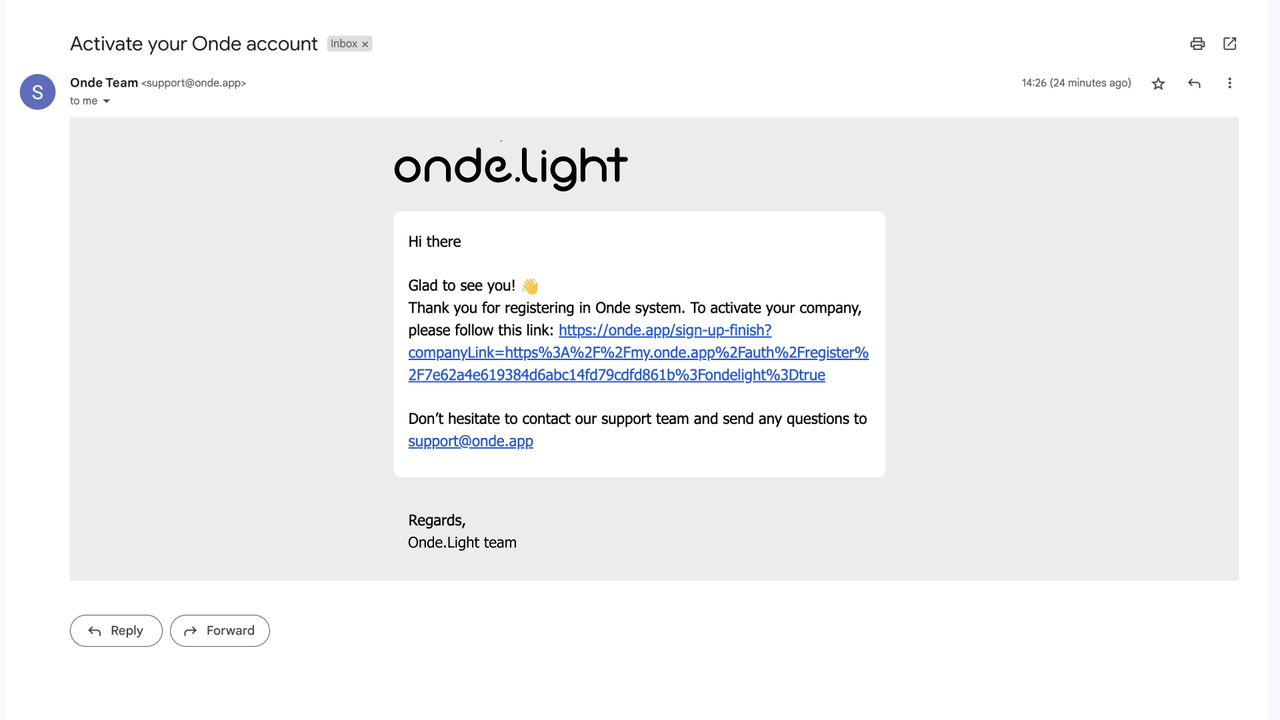
Open that email and click the activation link — it will take you directly to your Onde.Light account, where you can start exploring the platform. If you don’t see the email within a minute, please check your Spam or Promotions folder.
