
Onde.Light platform is available in 50 languages, so you can work in the one that’s most convenient for you. To change the language:
Go to My hub.
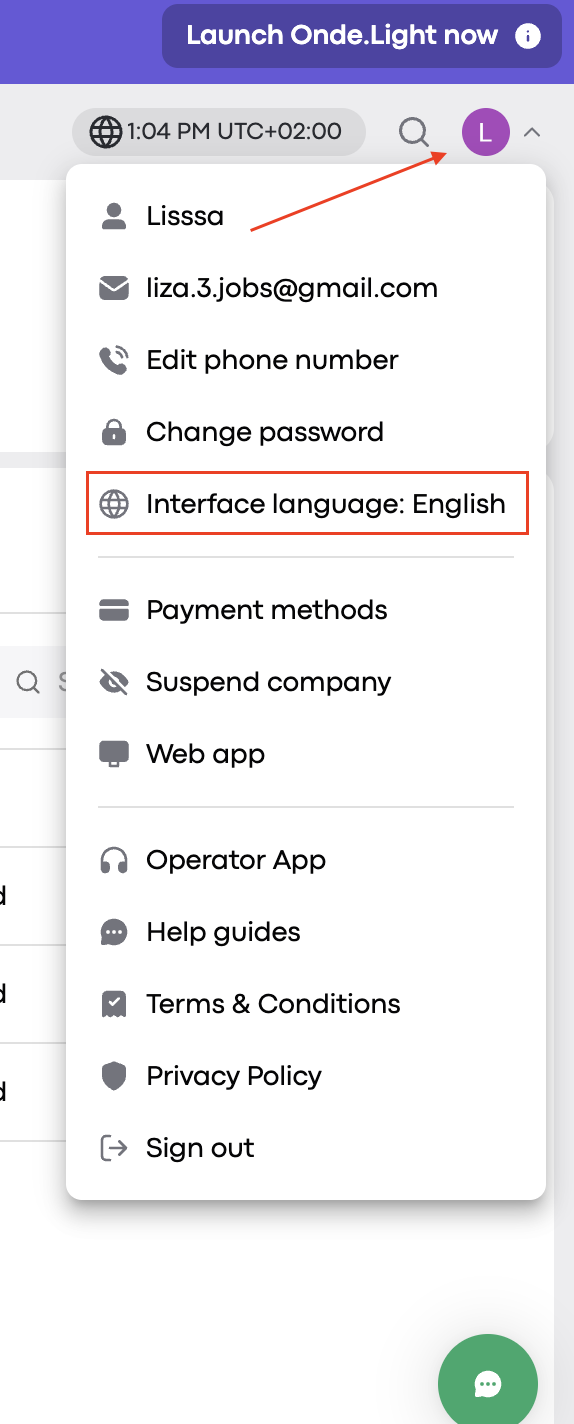
Open the dropdown menu on the right side of the screen.
Pan to "Interface language" and wait till it changes to "Change interface language".
Click and then choose your preferred language from the appearing menu.
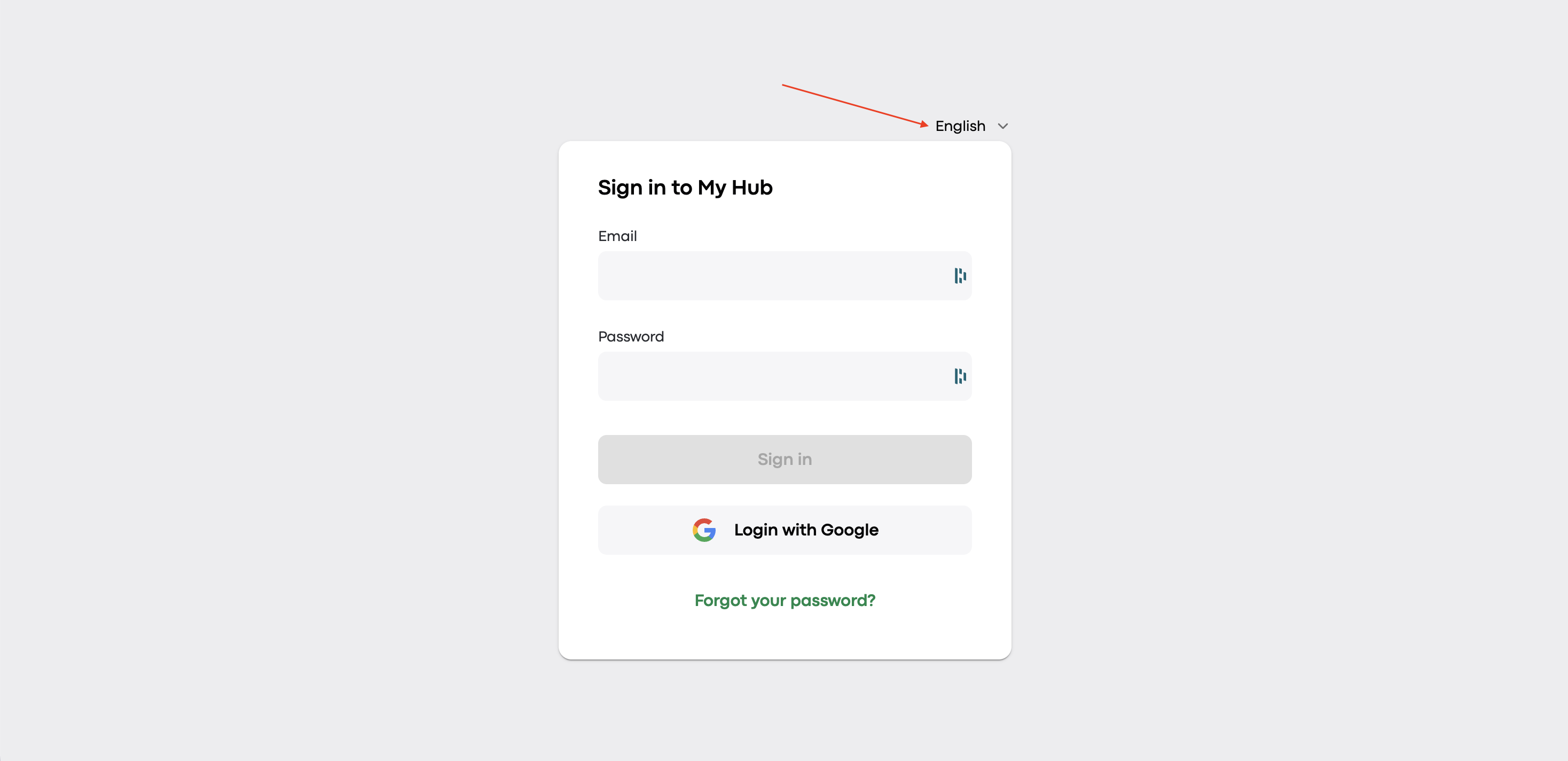
You can also set the system language during login by selecting your preferred language on the sign-in page.
If it is still unclear on how to change the language, please watch our short video guide: