
Getting started with the Delivery Panel in Onde.Light is quick and doesn’t require any special setup.
To activate it, simply add /delivery to the end of your existing web booking panel URL. This instantly switches the panel to delivery mode, allowing customers to request deliveries just as easily as taxi rides.
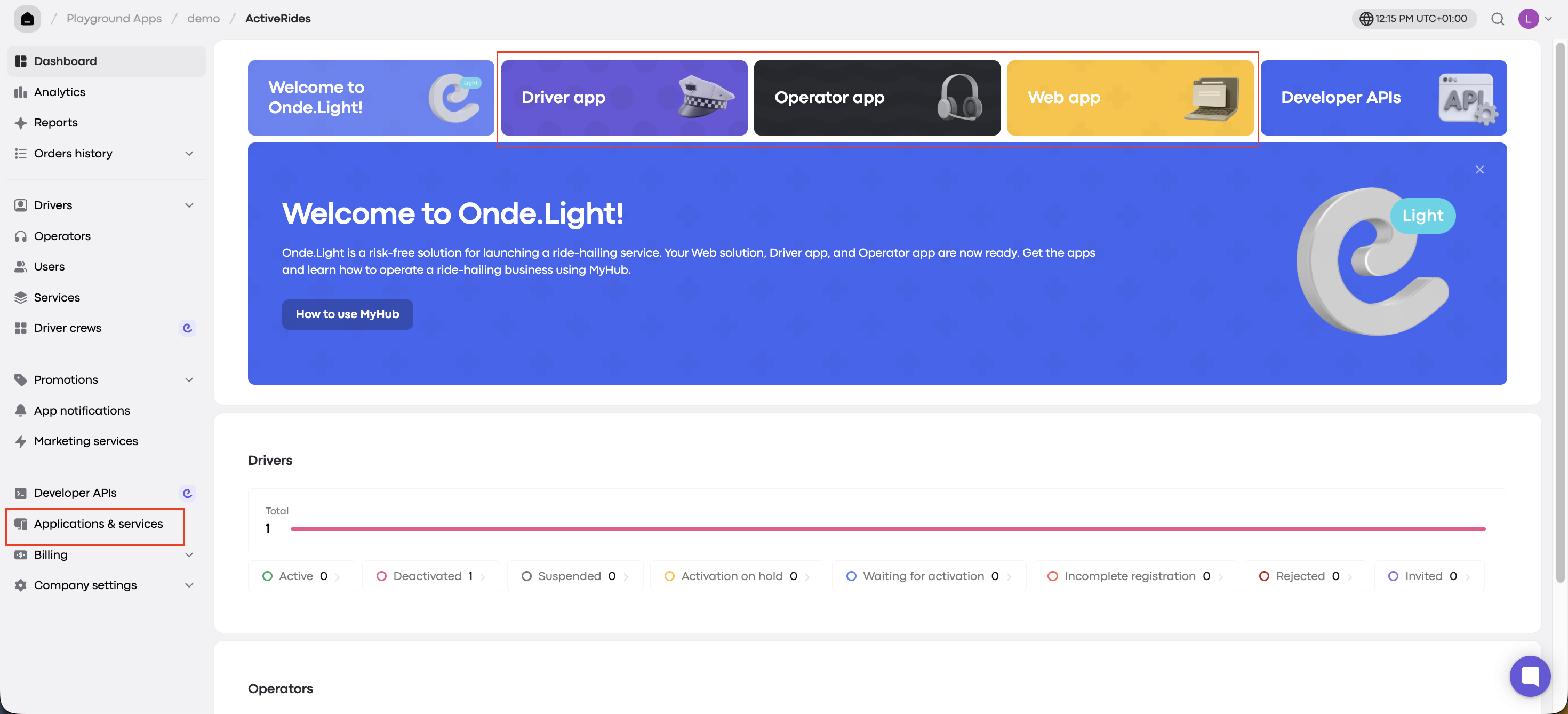
Where to find your Web Booking Panel?
Log into your My hub account. You’ll find the Web booking panel URL either:
On the main dashboard, or
Under the “Applications & Services” section.
Once you’ve added /delivery to the URL and shared it, your customers can start placing delivery requests, include special instructions, and schedule orders with ease.