
You can change your company name by following these steps:
Go to My hub → Company settings → General.
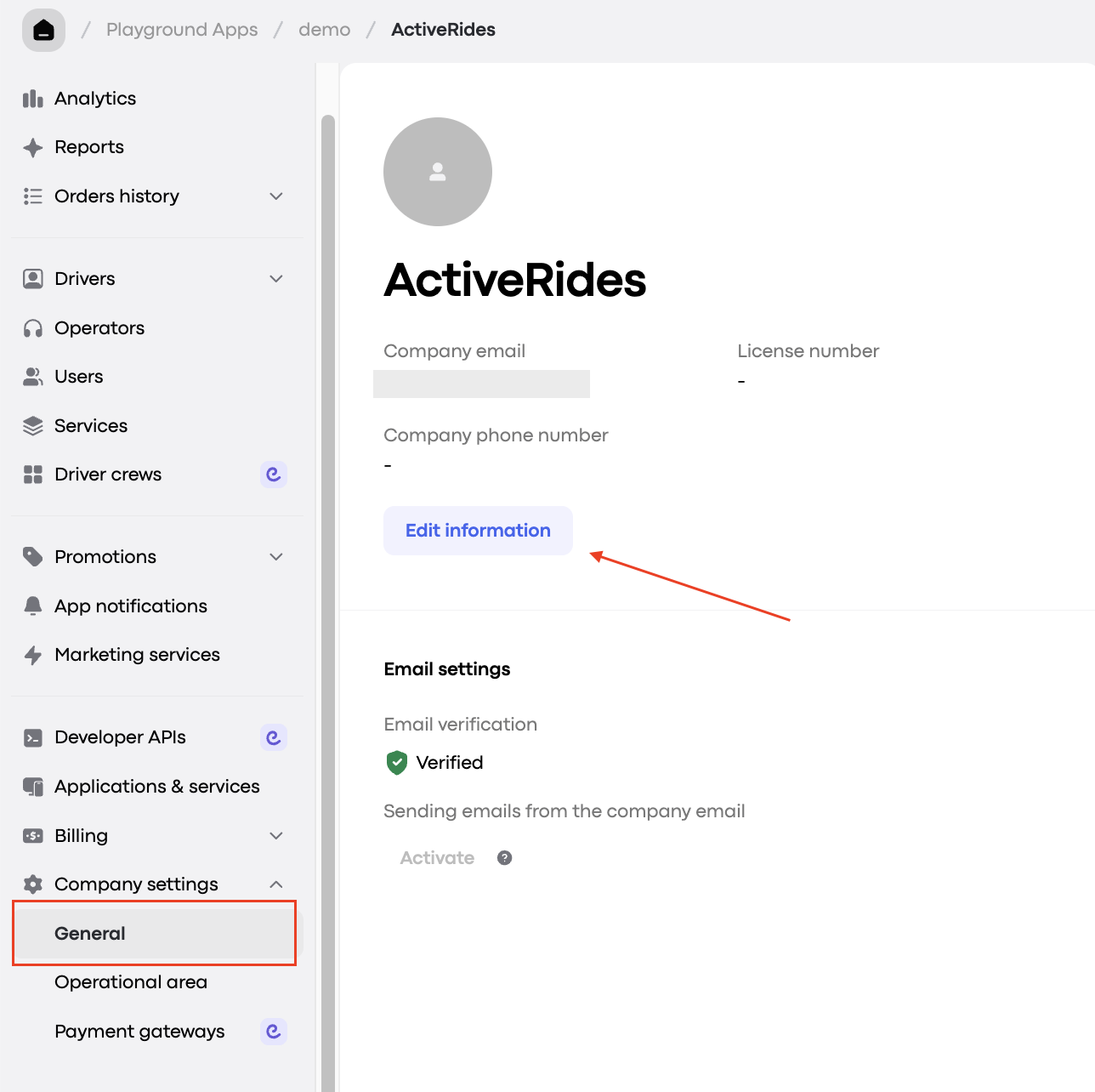
To update the name of your brand or web app and logo, simply enter the new brand name and upload the new logo here.
If you need to update the logo in My hub, you’ll need to submit a request in the Onde.Light Community. In your request, please provide your company’s name (as it appears in My hub) and attach the new logo file (ensure it's a high-quality image).
Once your request is submitted, our team will review it and update the logo as soon as possible.